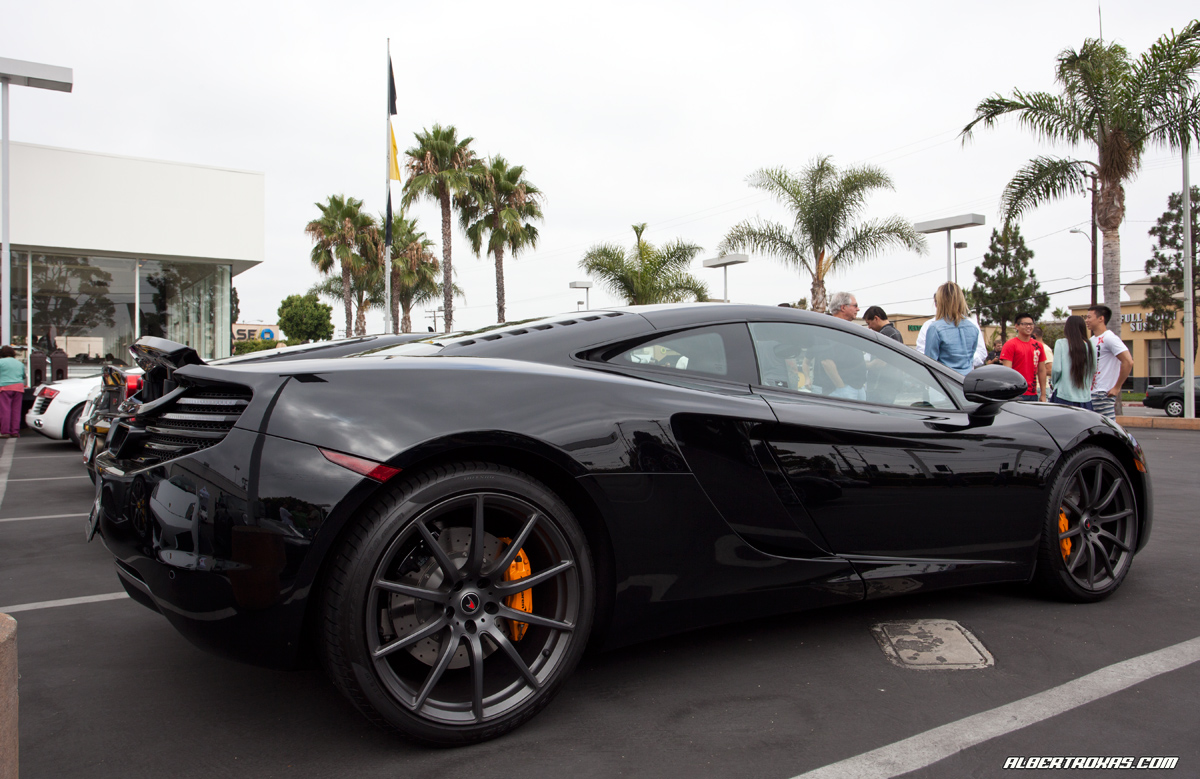
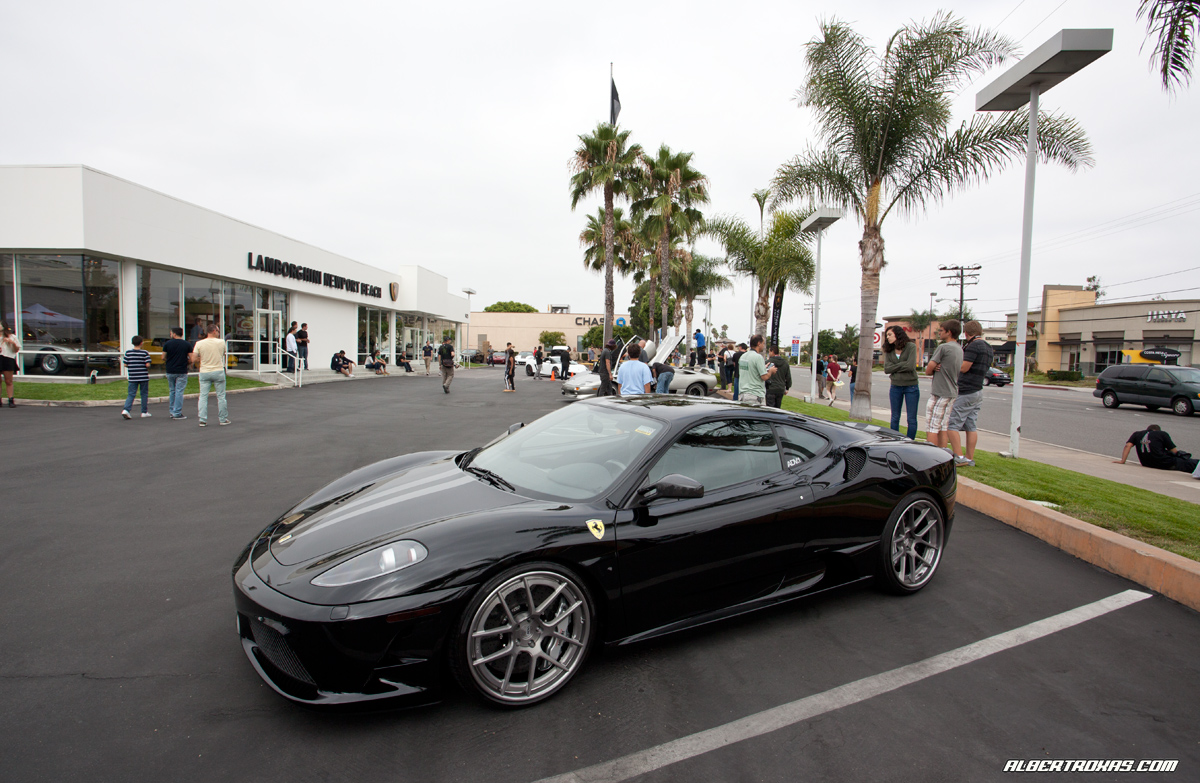
Cars & Coffee 5.29

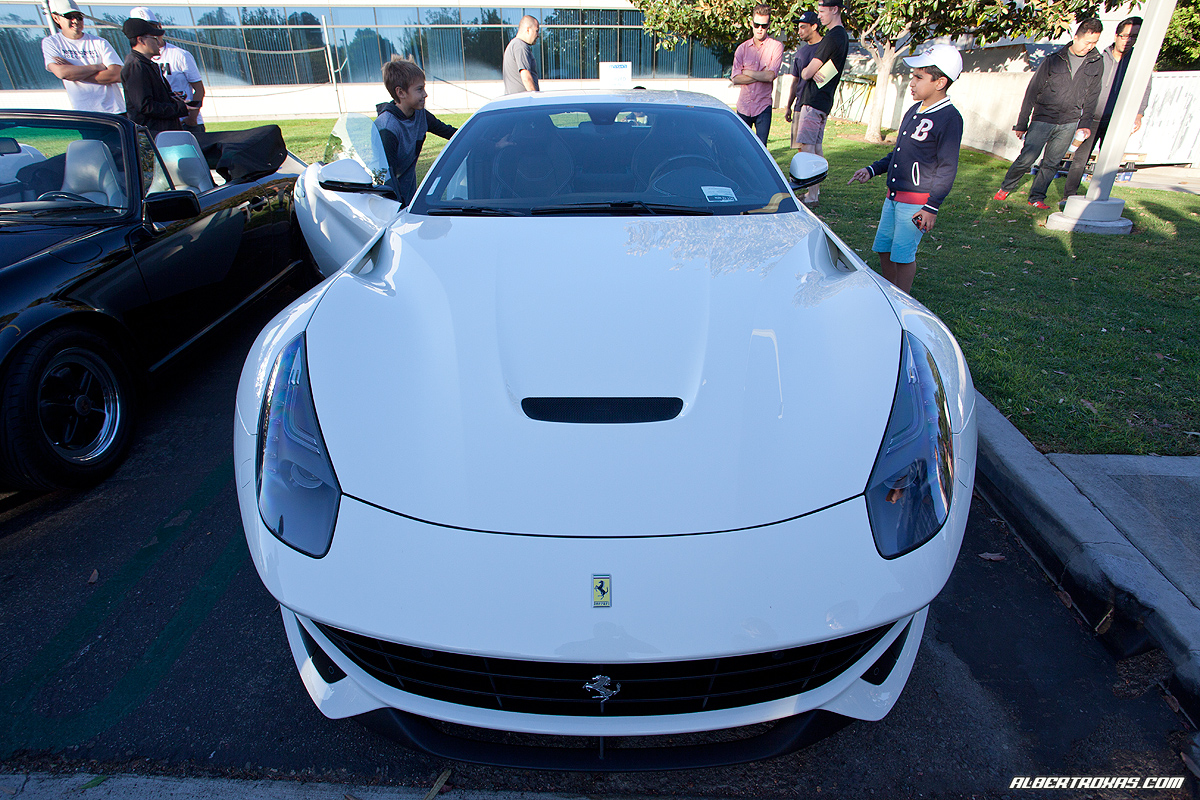
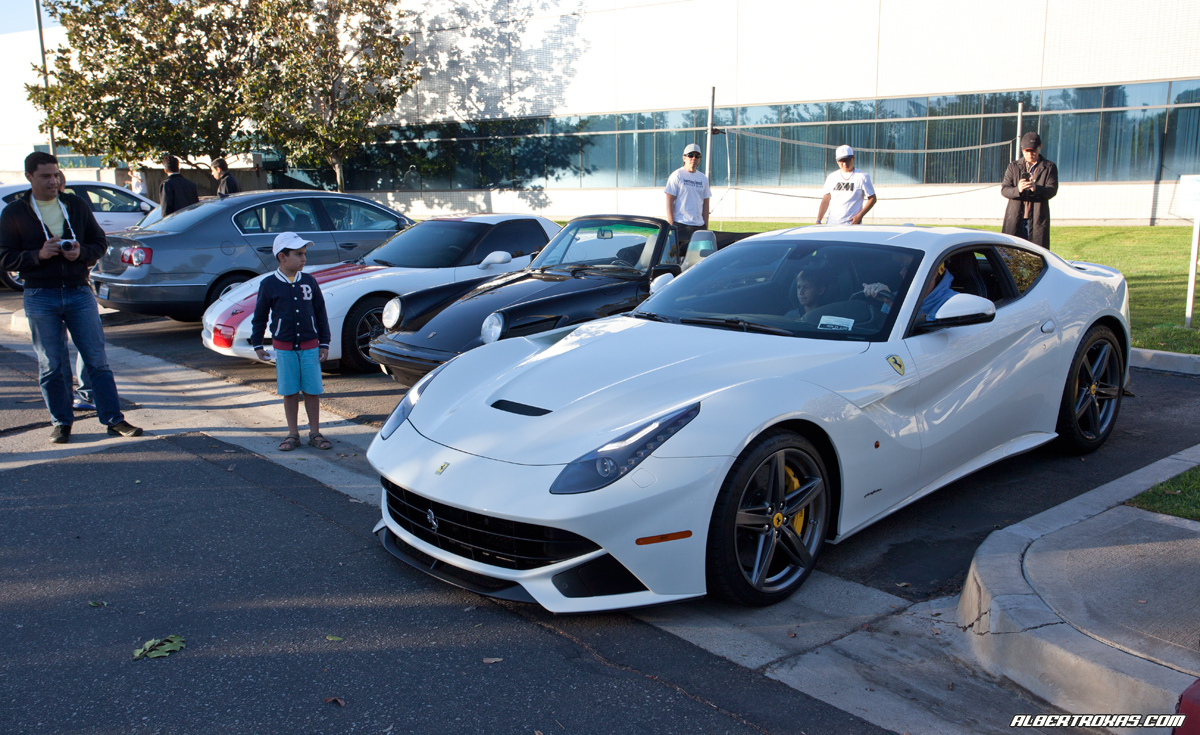
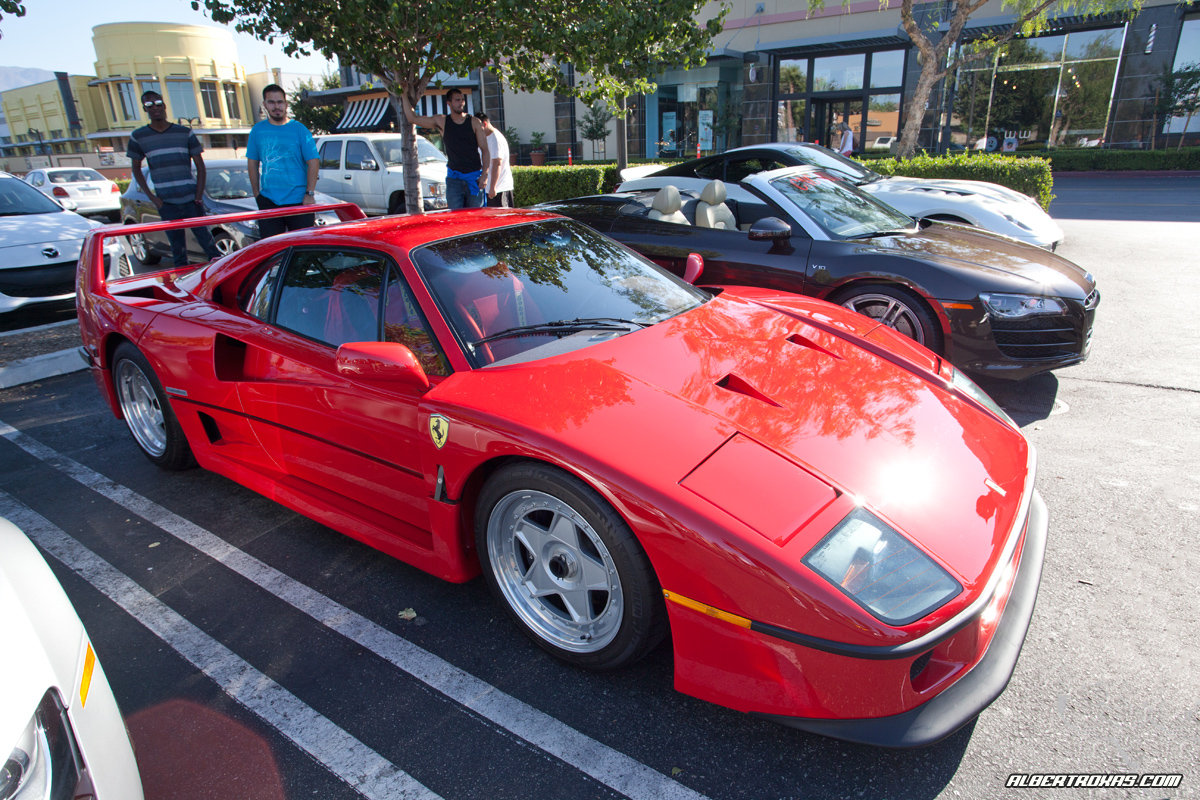
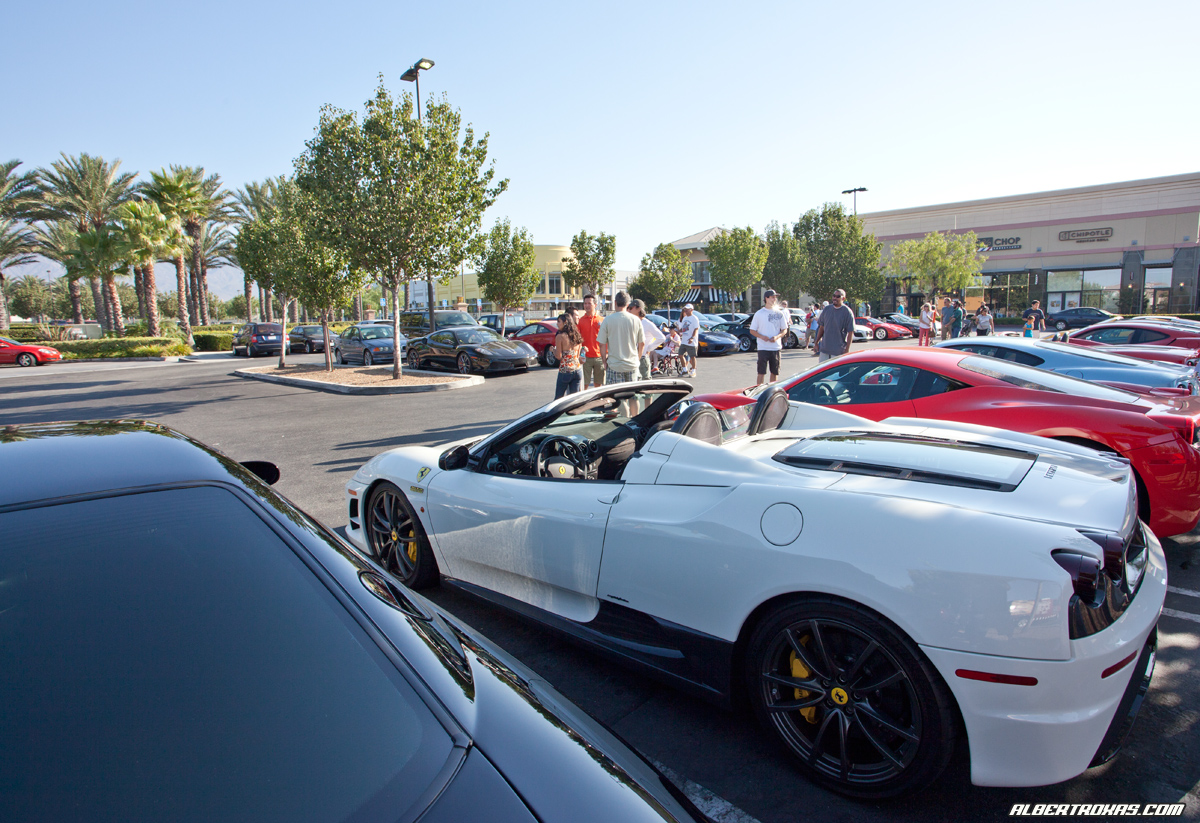
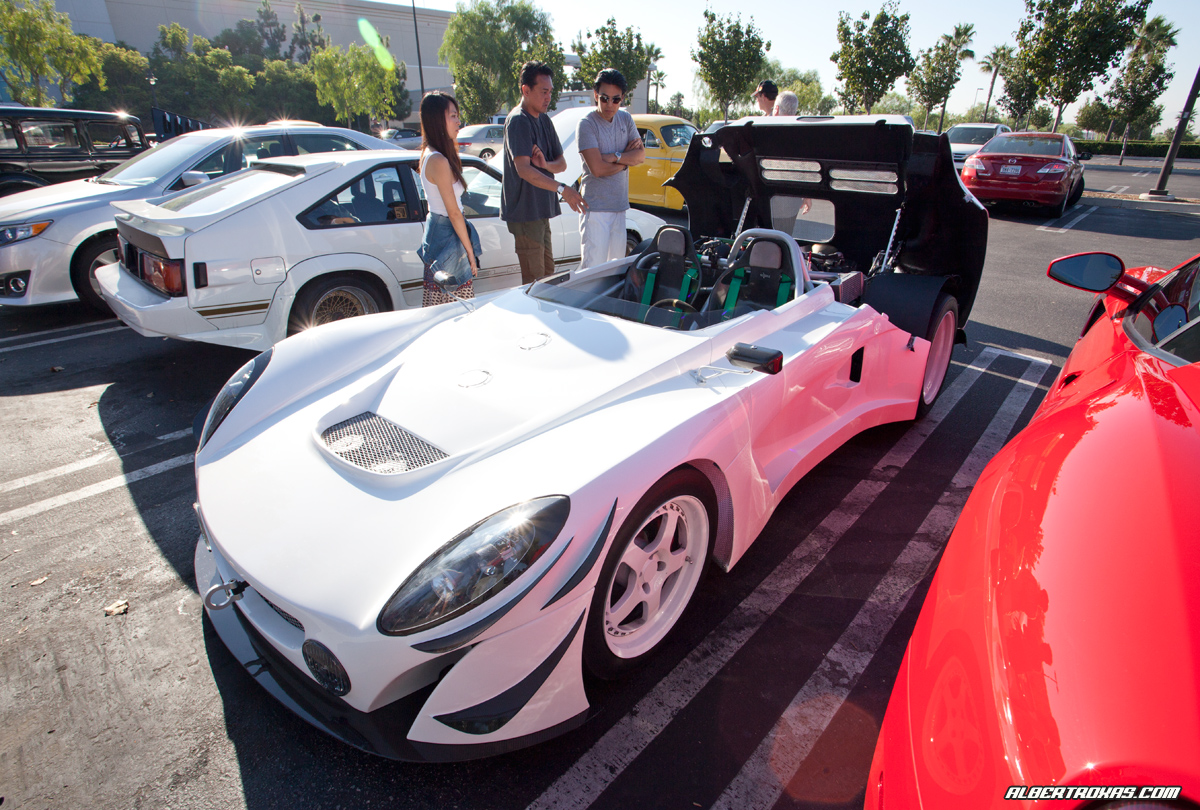
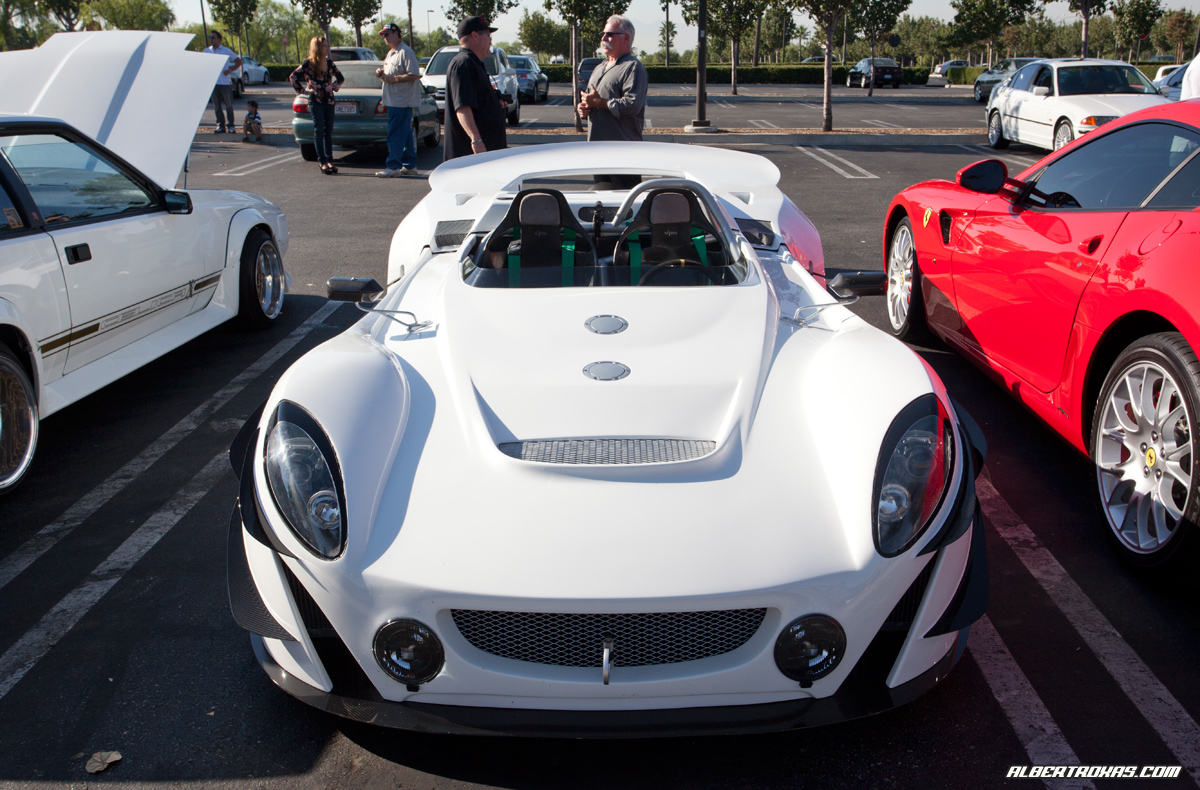
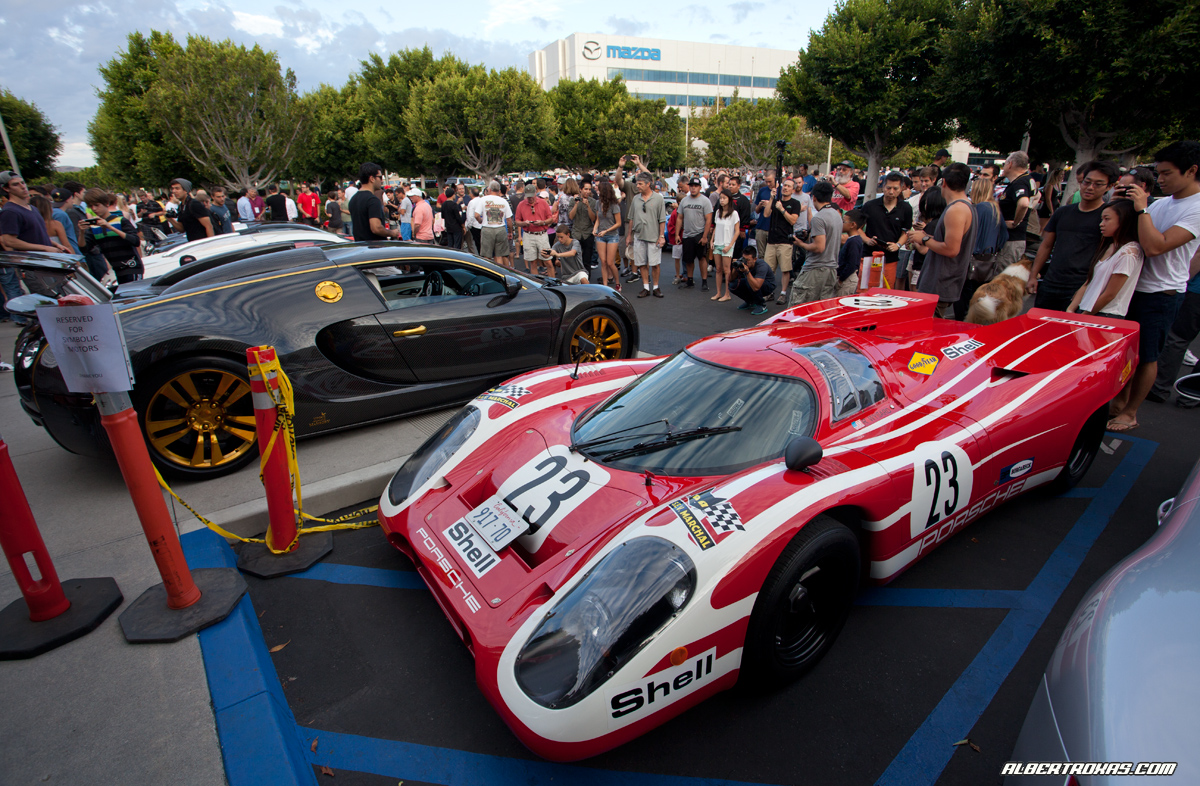
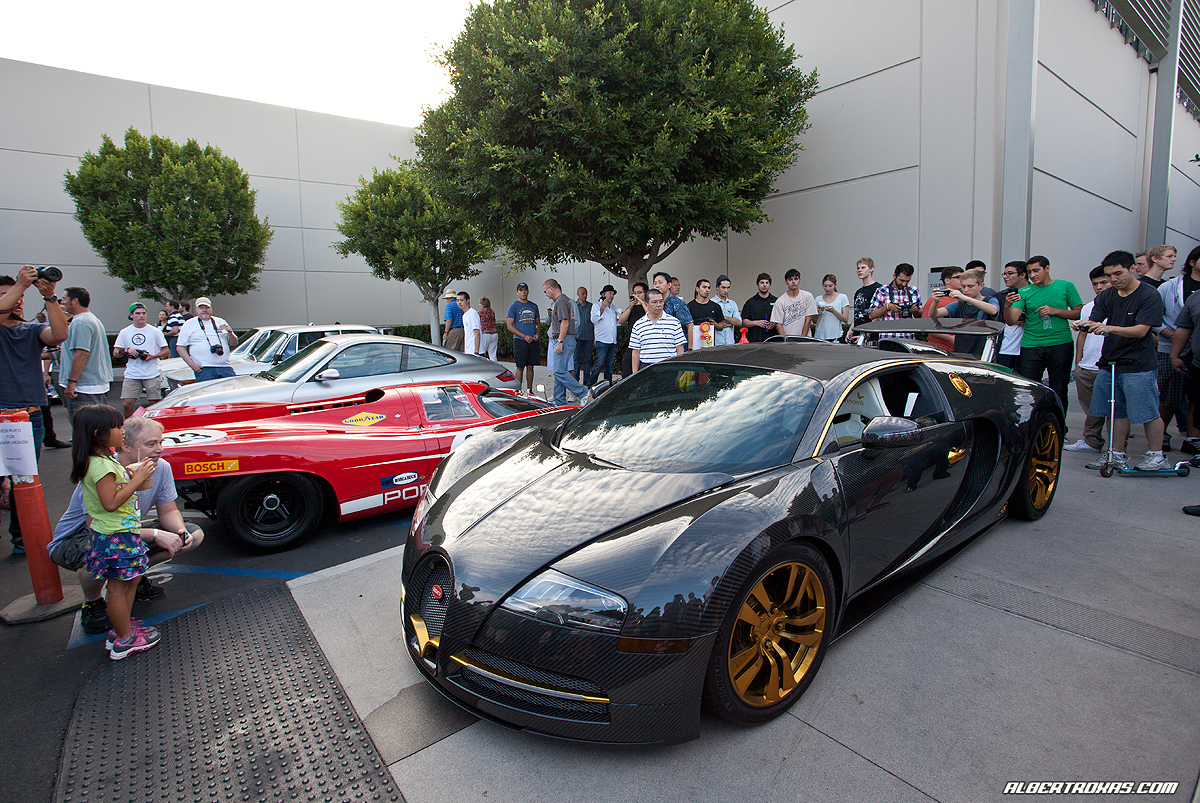
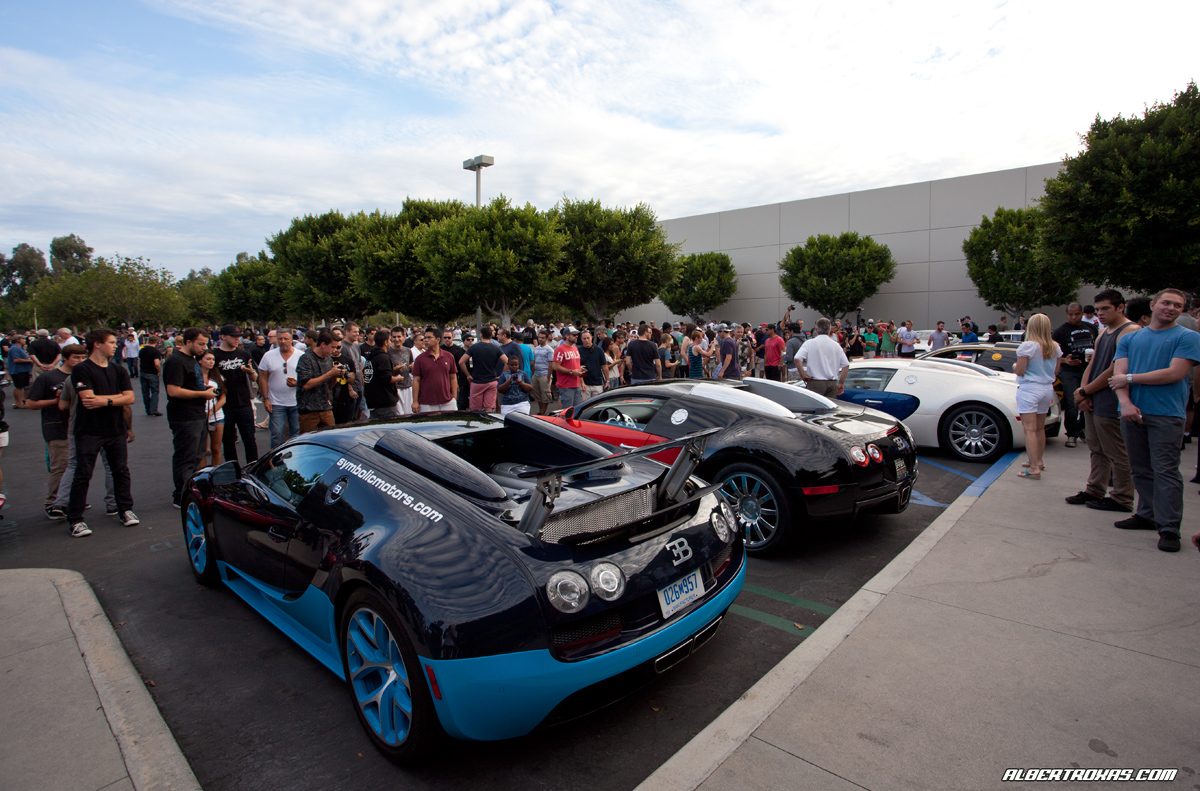
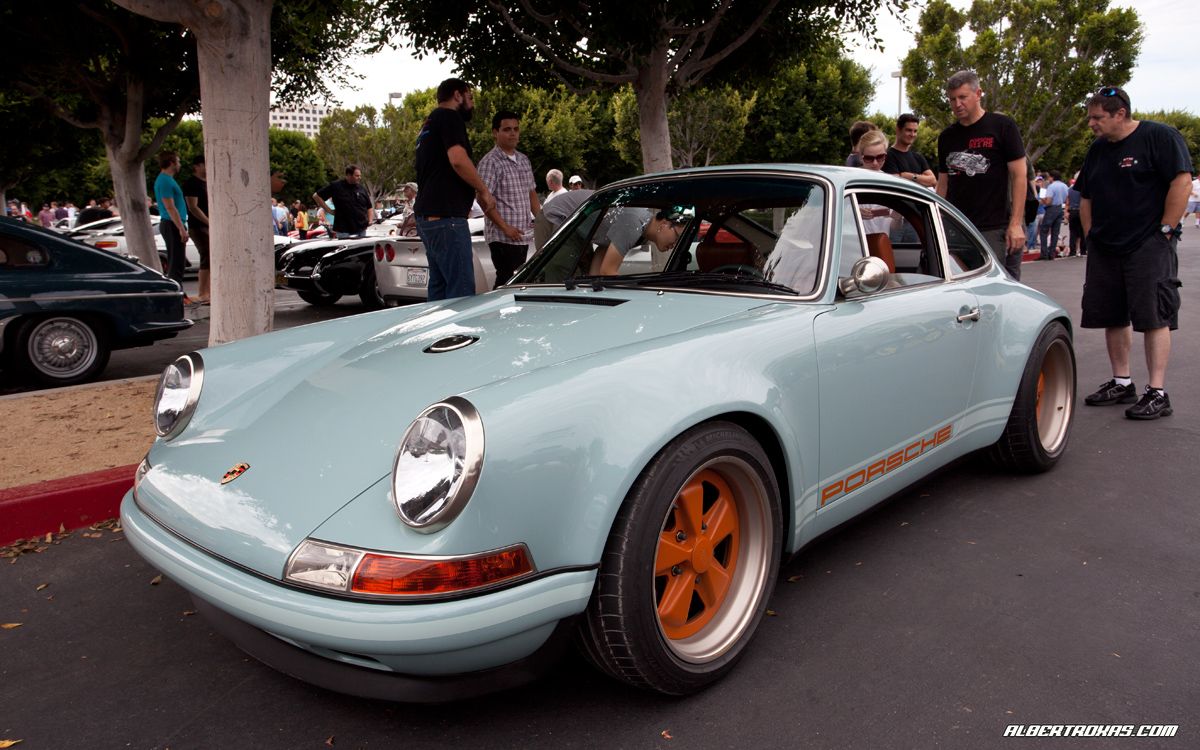
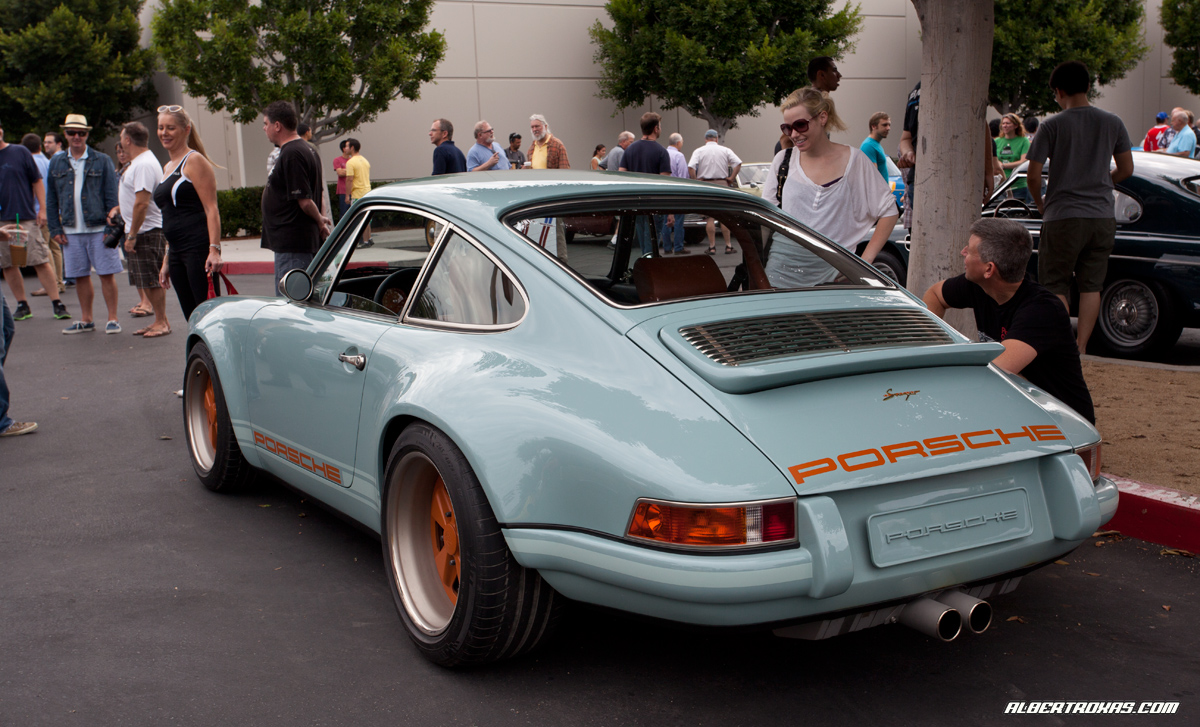
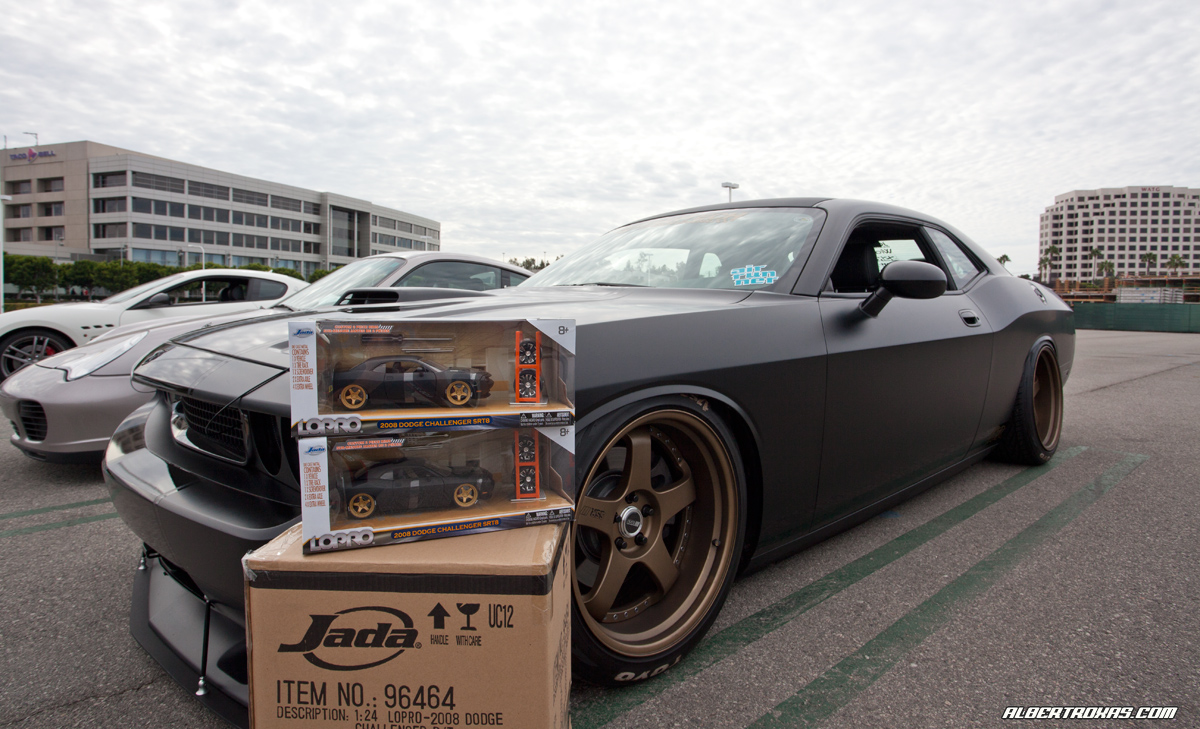
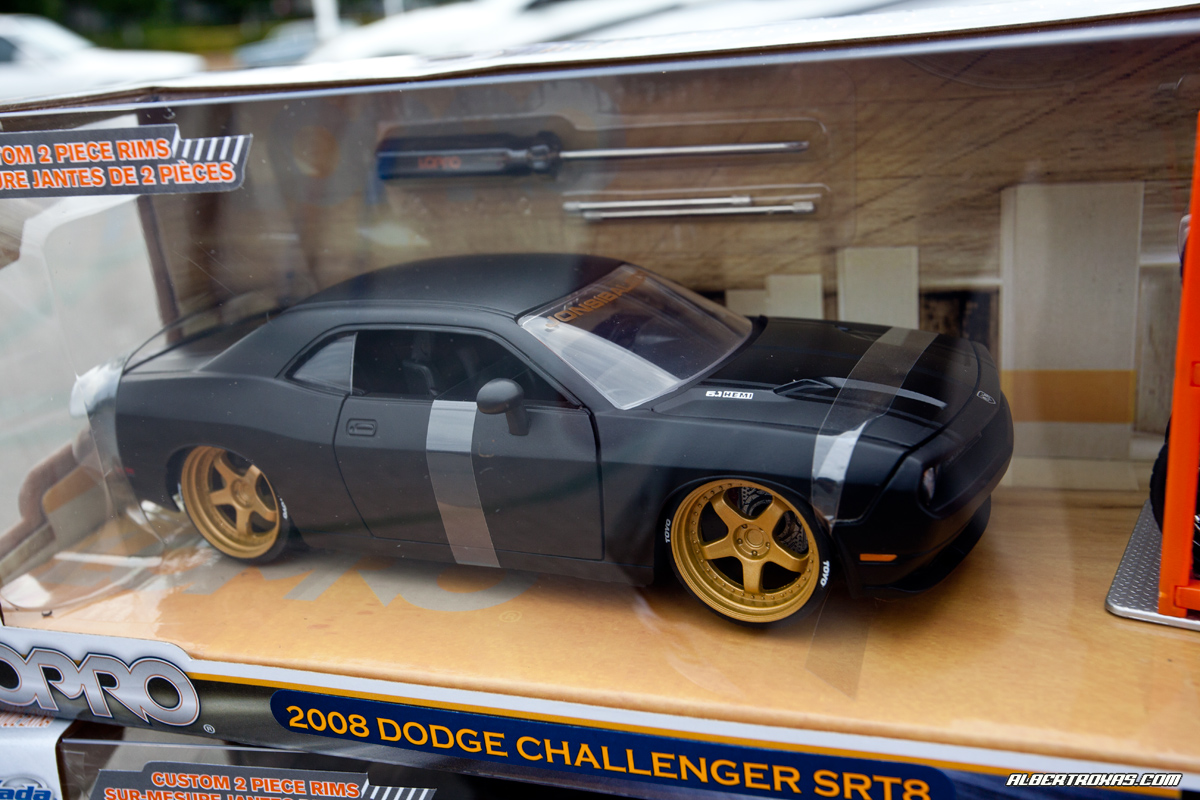
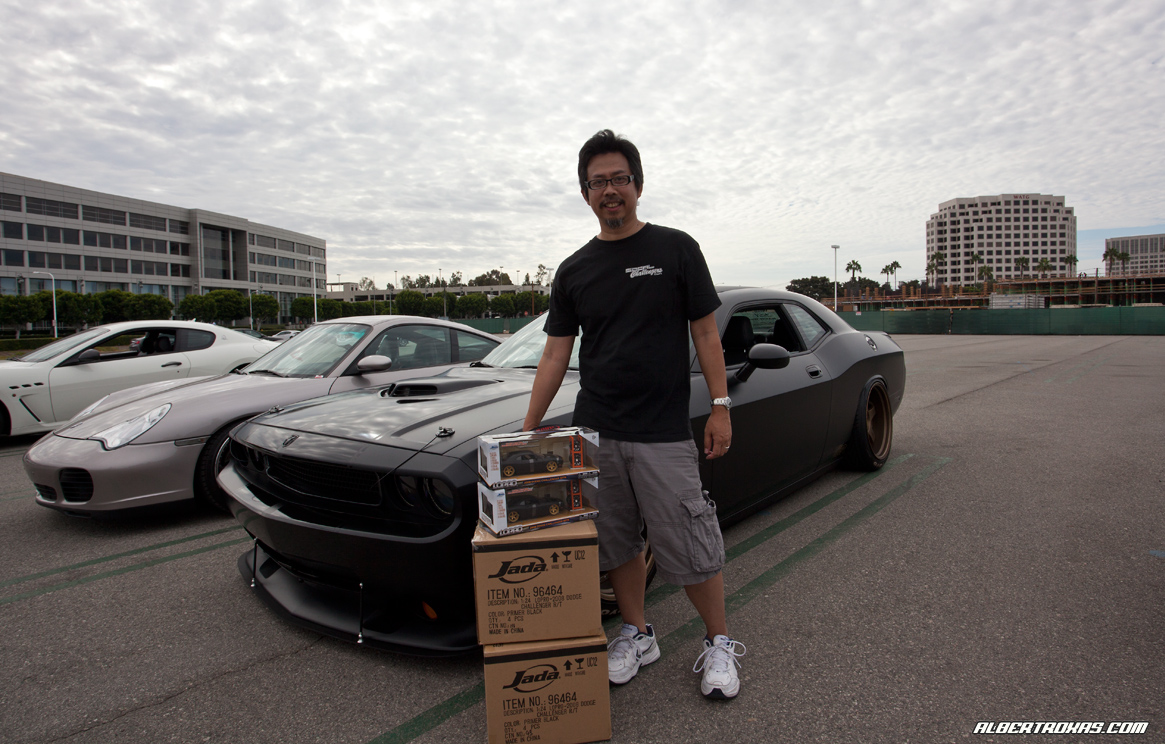
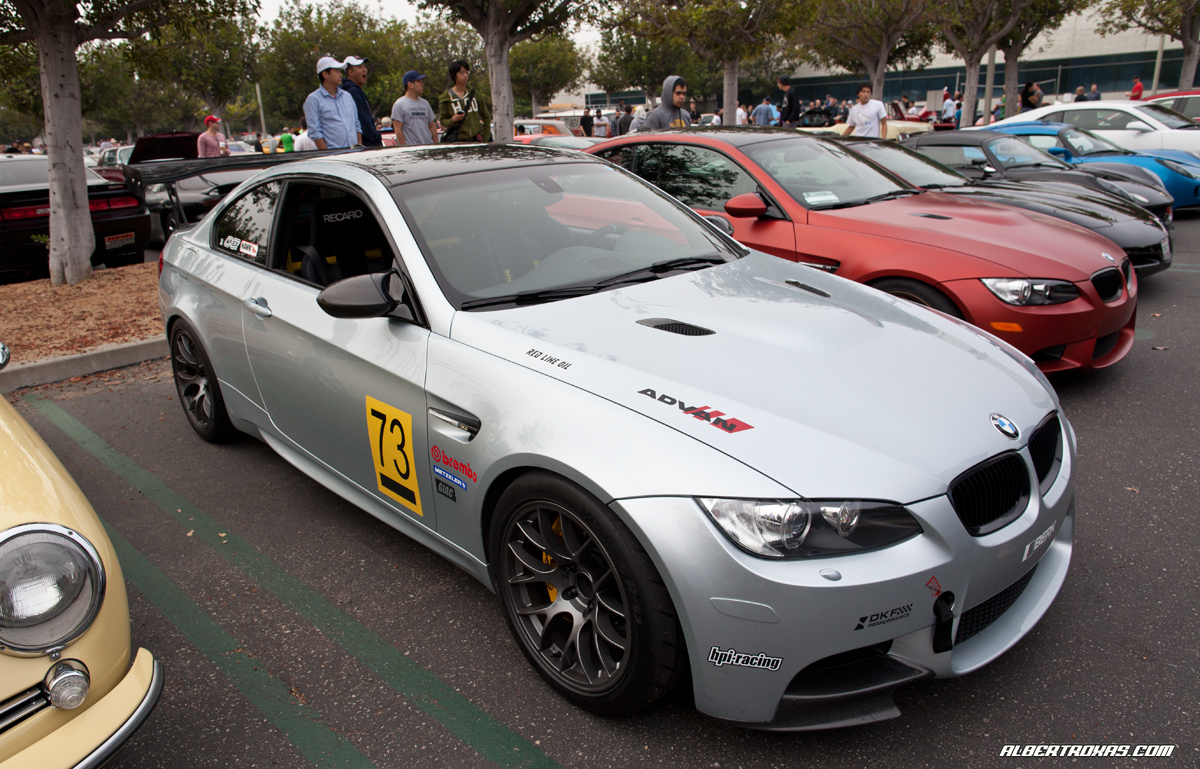
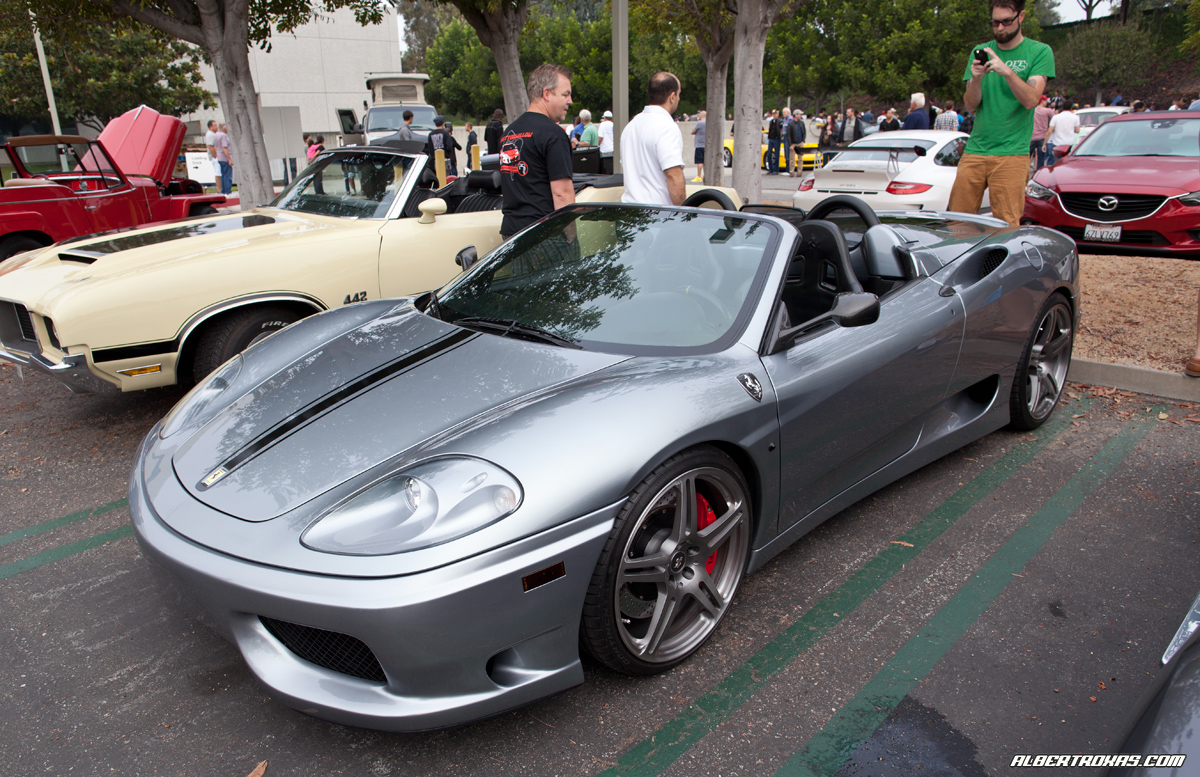
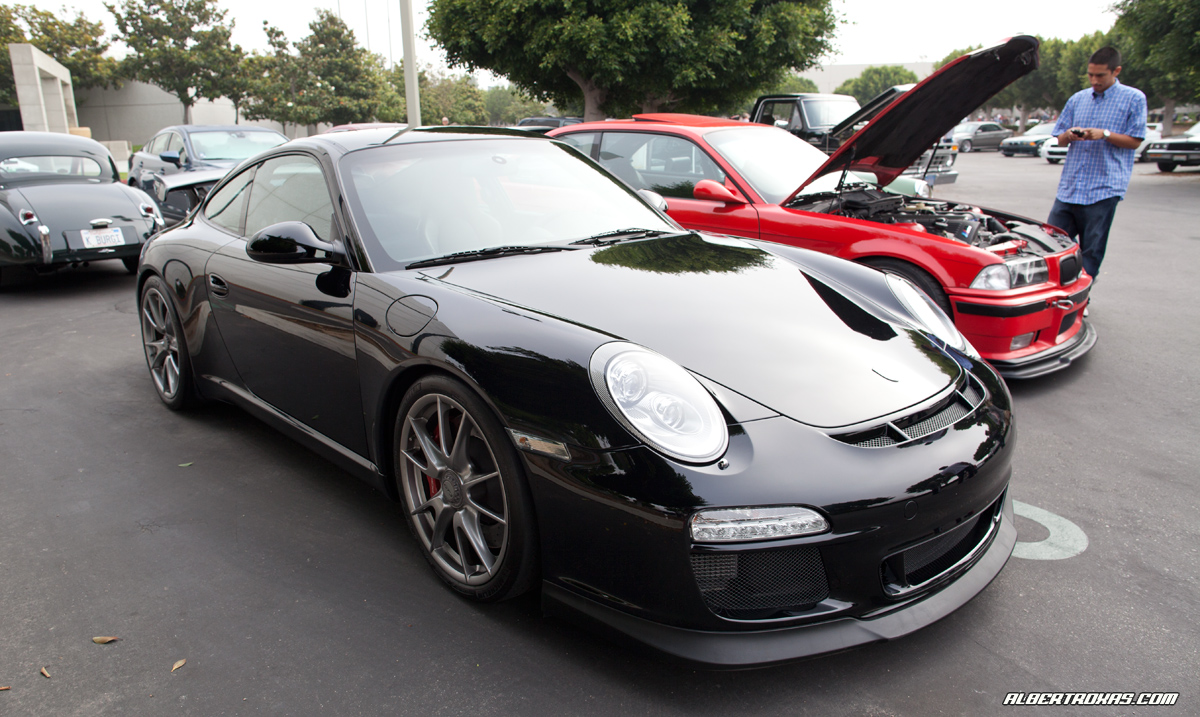
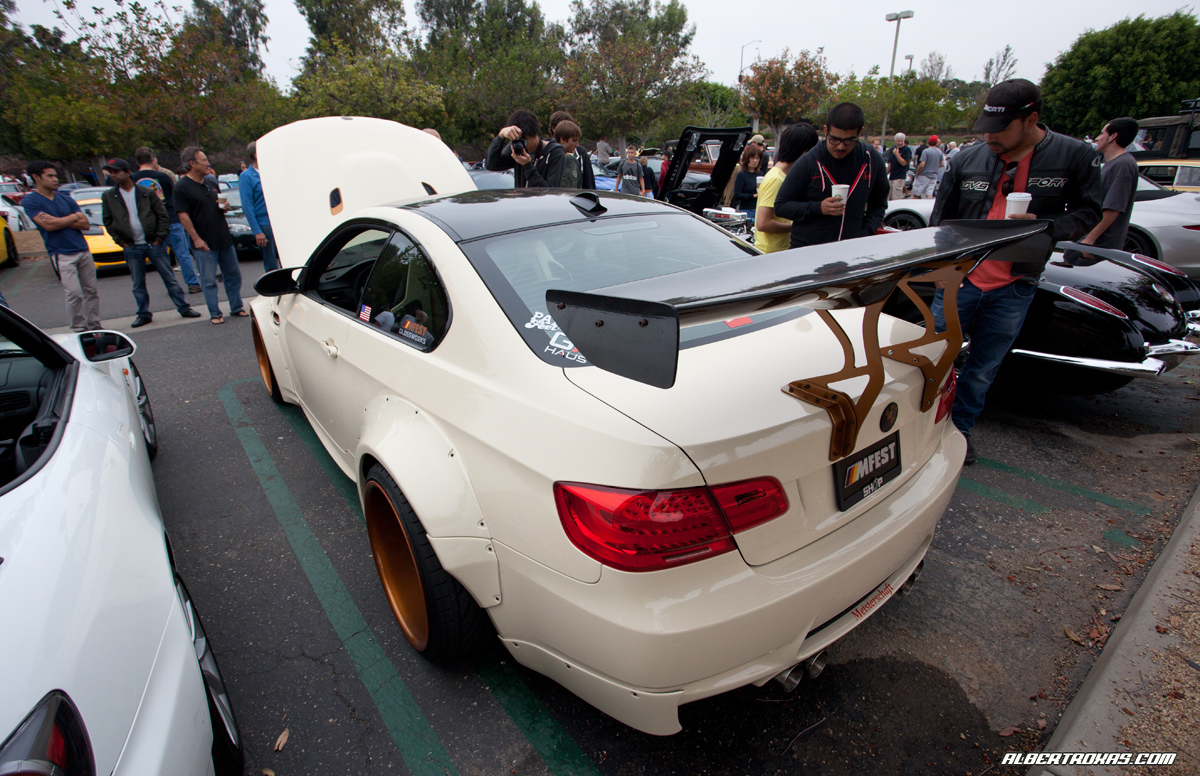
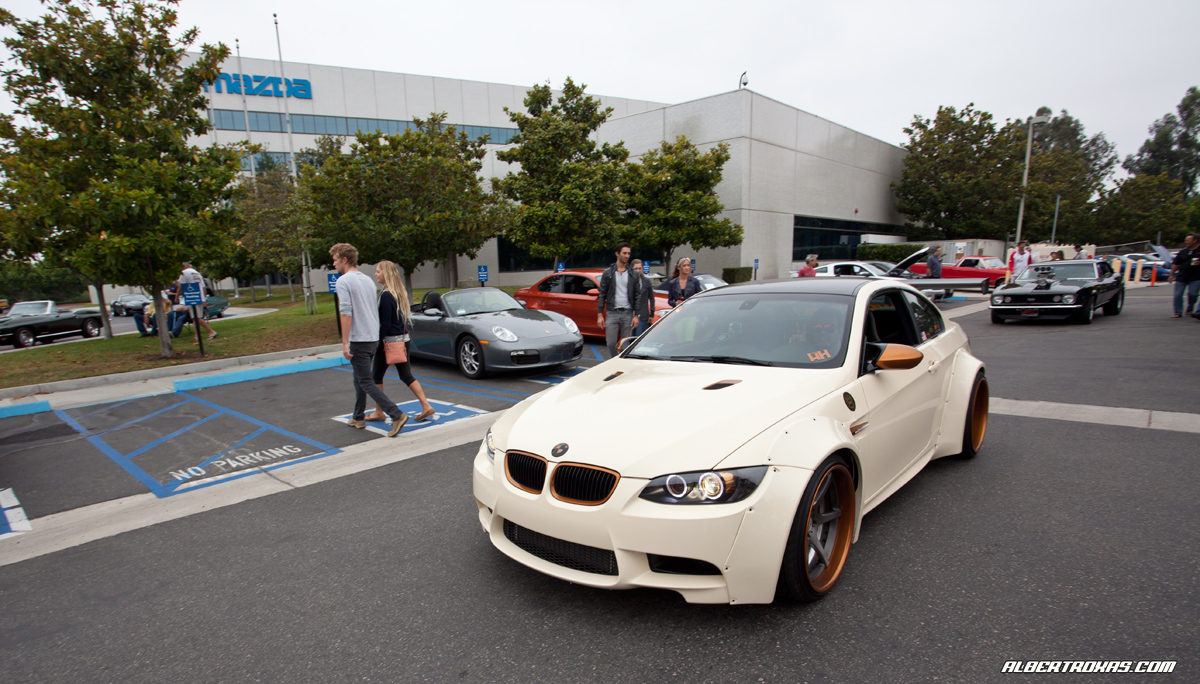
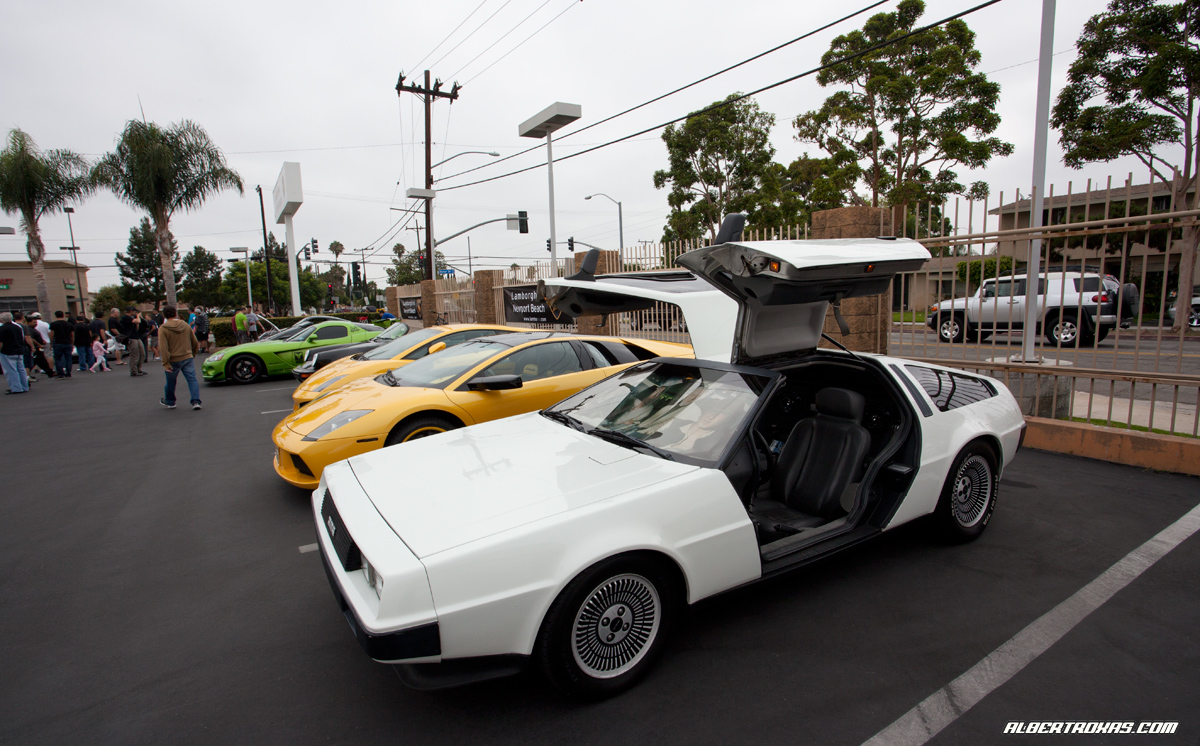
Gorgeous Memorial Day weekend for Cars & Coffee…marquee was “MicroCars” apparently – some pretty cool stuff. Lots of Isettas and these 2 lil’ guys.

IMG_5284_rev

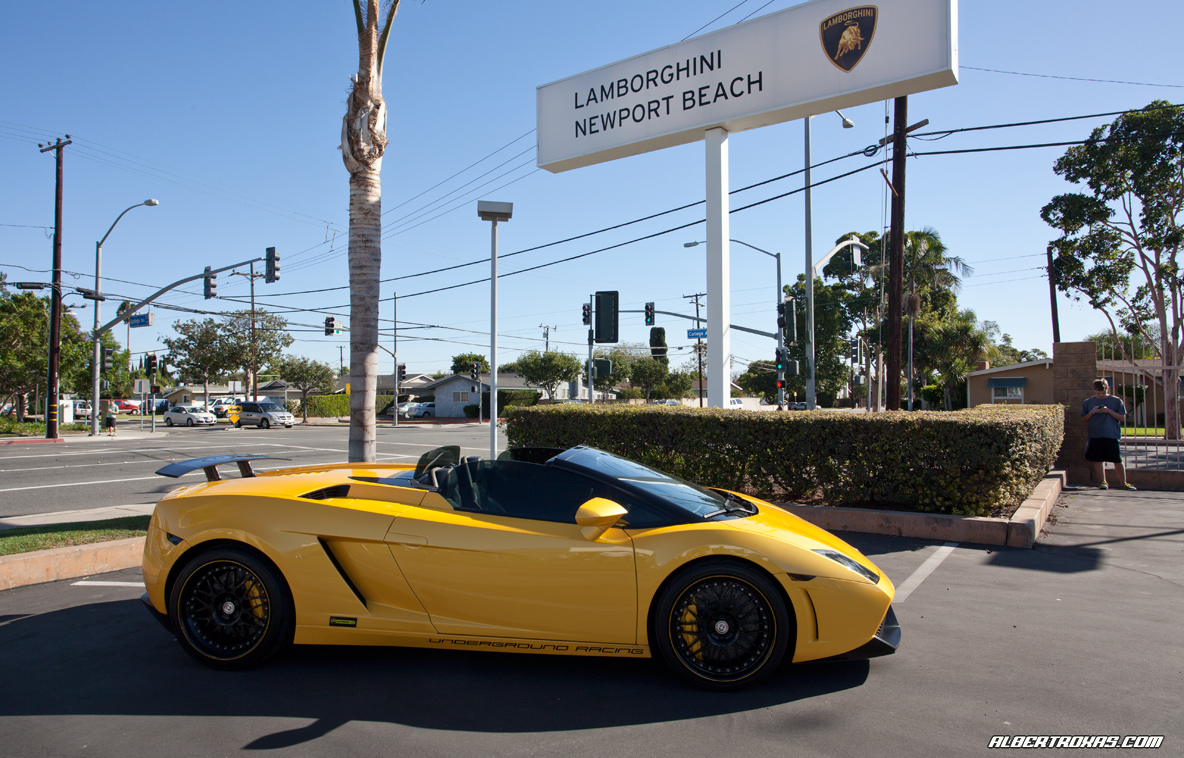
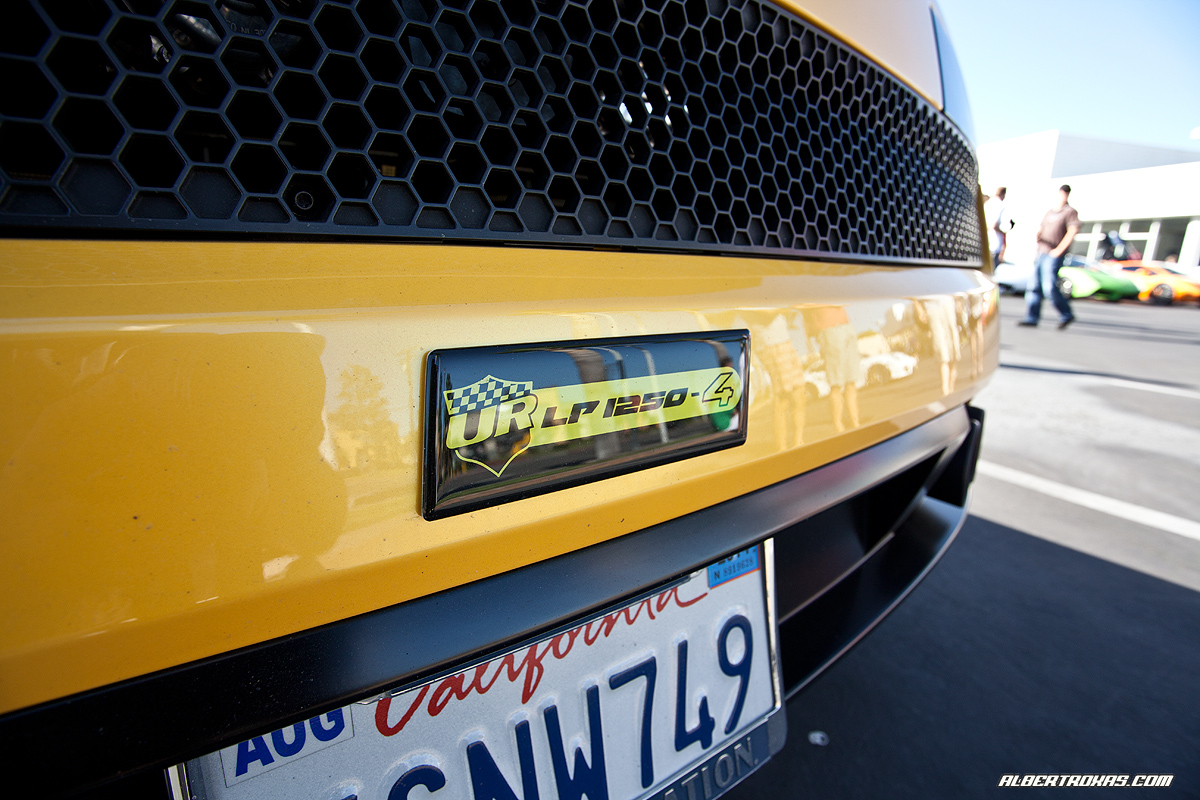
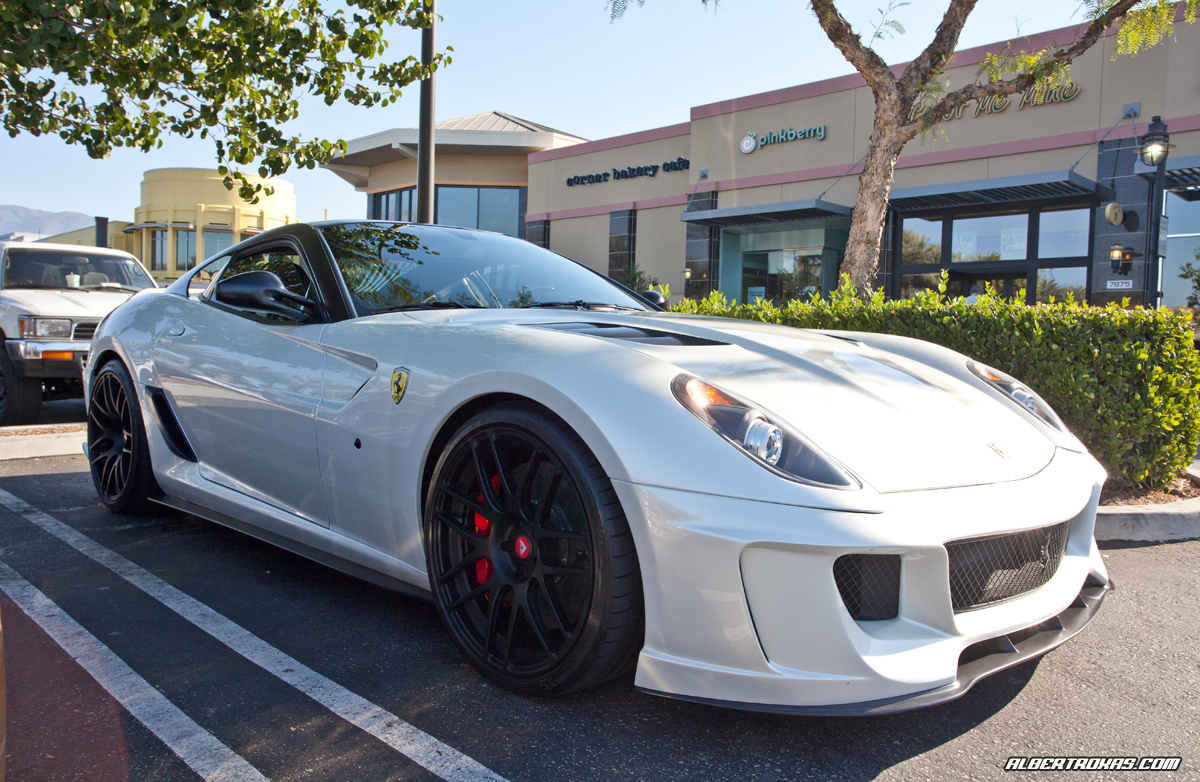
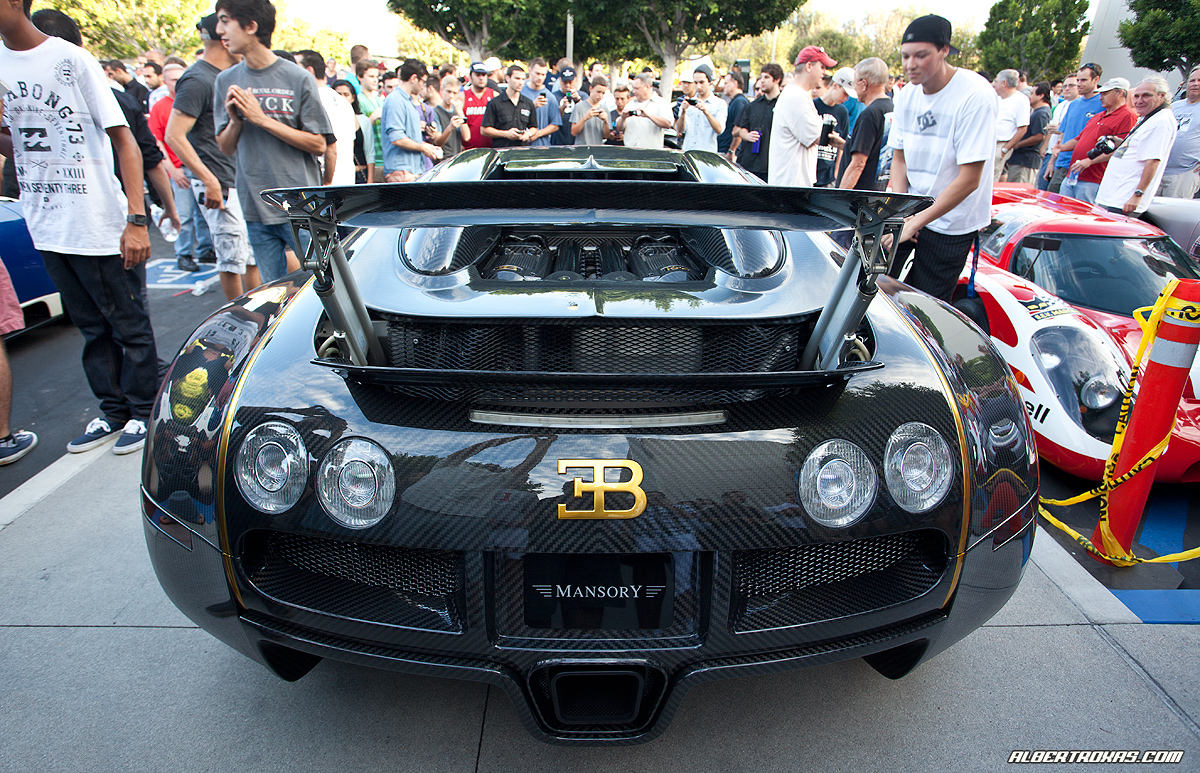
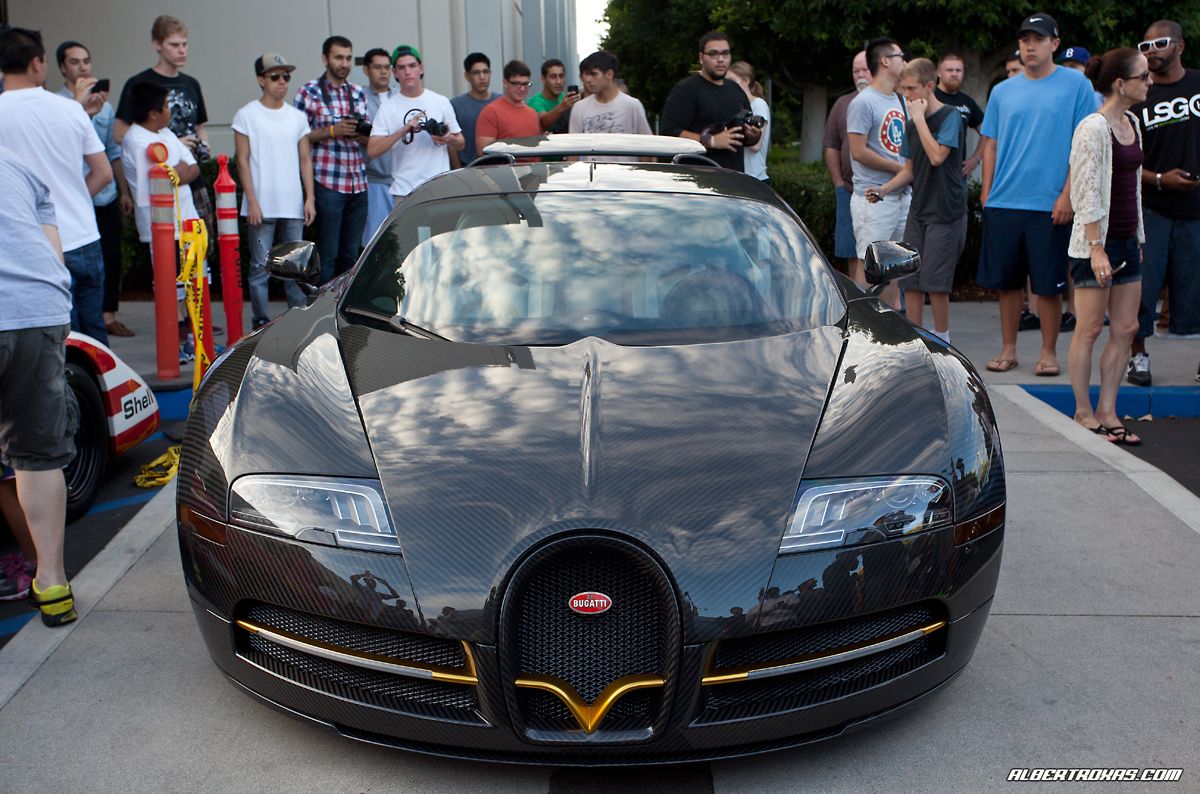
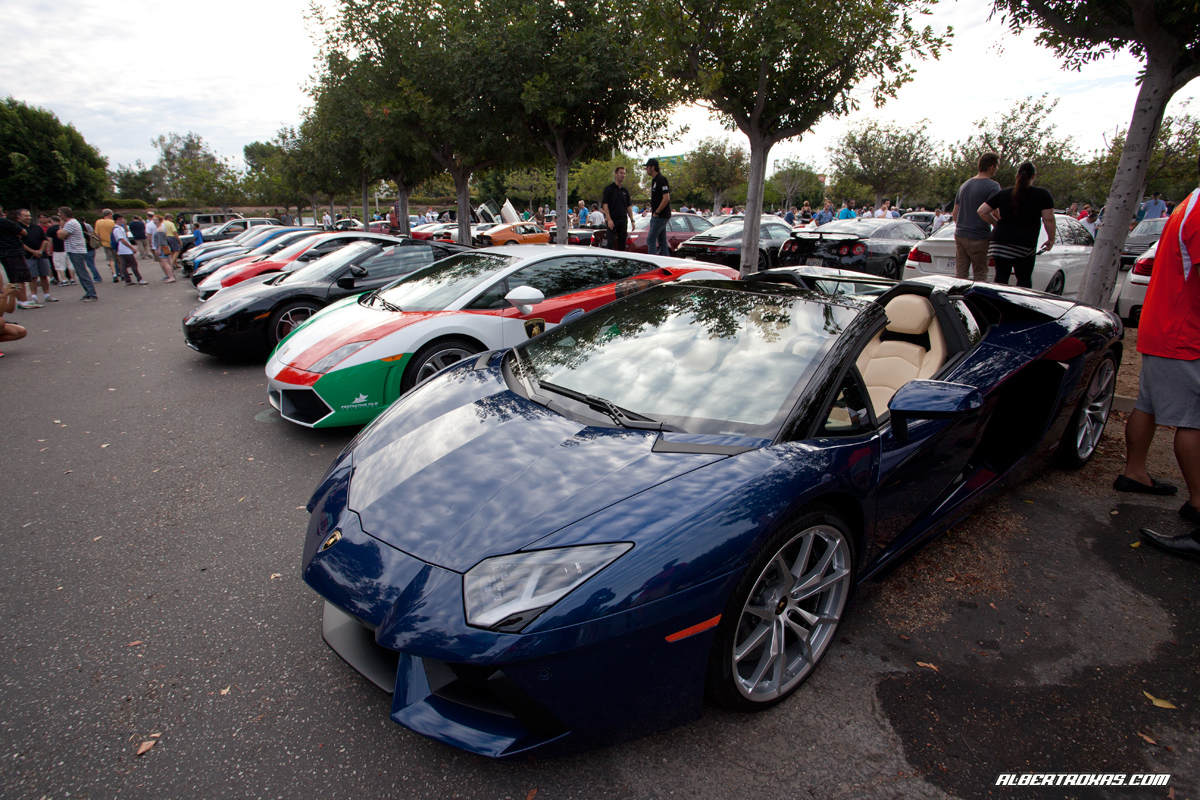
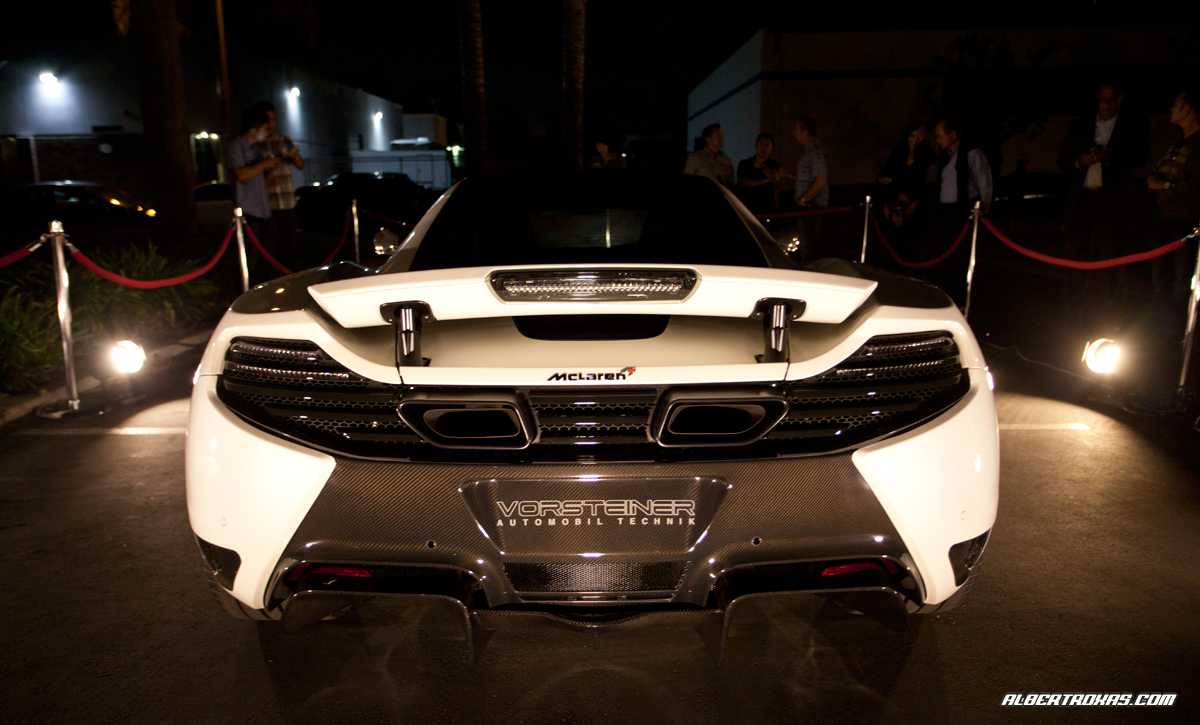
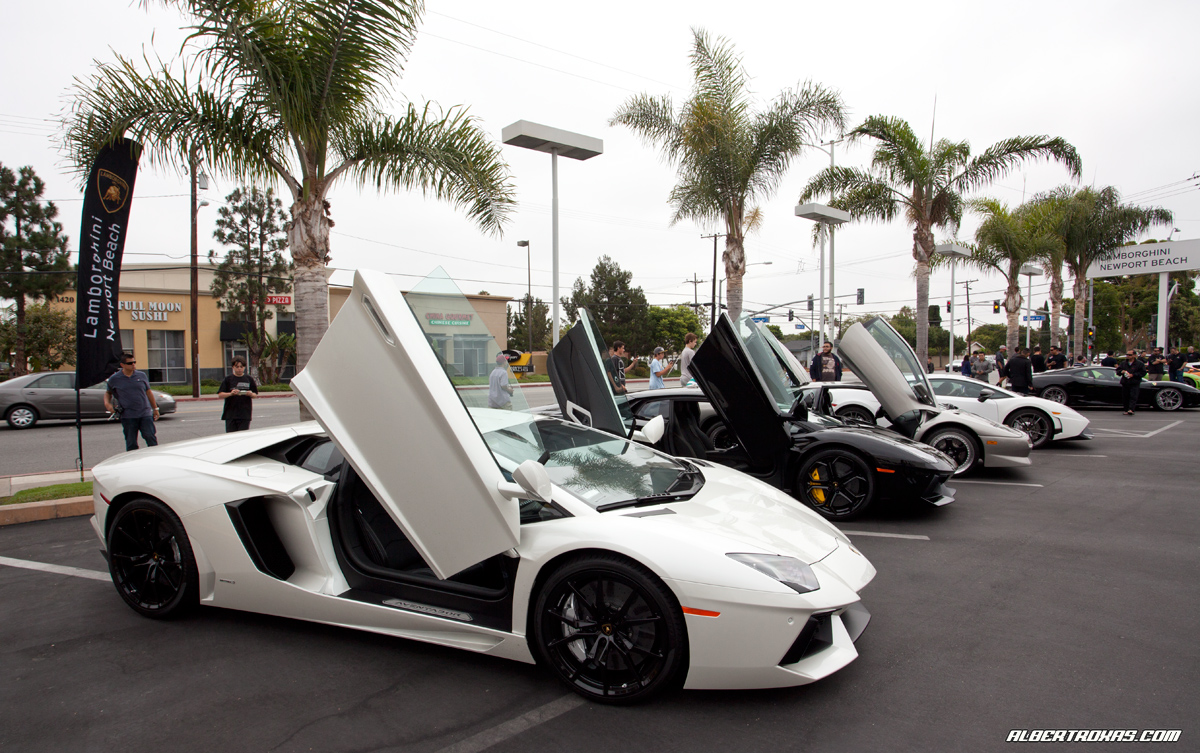
Technocraft Gallardo was there with their new CF Bumper…

IMG_5246_rev

Yep, that’s Will and Phil getting in my shot dammit (reflection in the bumper)!! Kidding!! LOL.

IMG_5242_rev

Brad/Simon from EVOSport brought out this mean Mas…it’s been a minute since I’ve talked to you guys, great to see you’re still building quality cars!

IMG_5235_rev

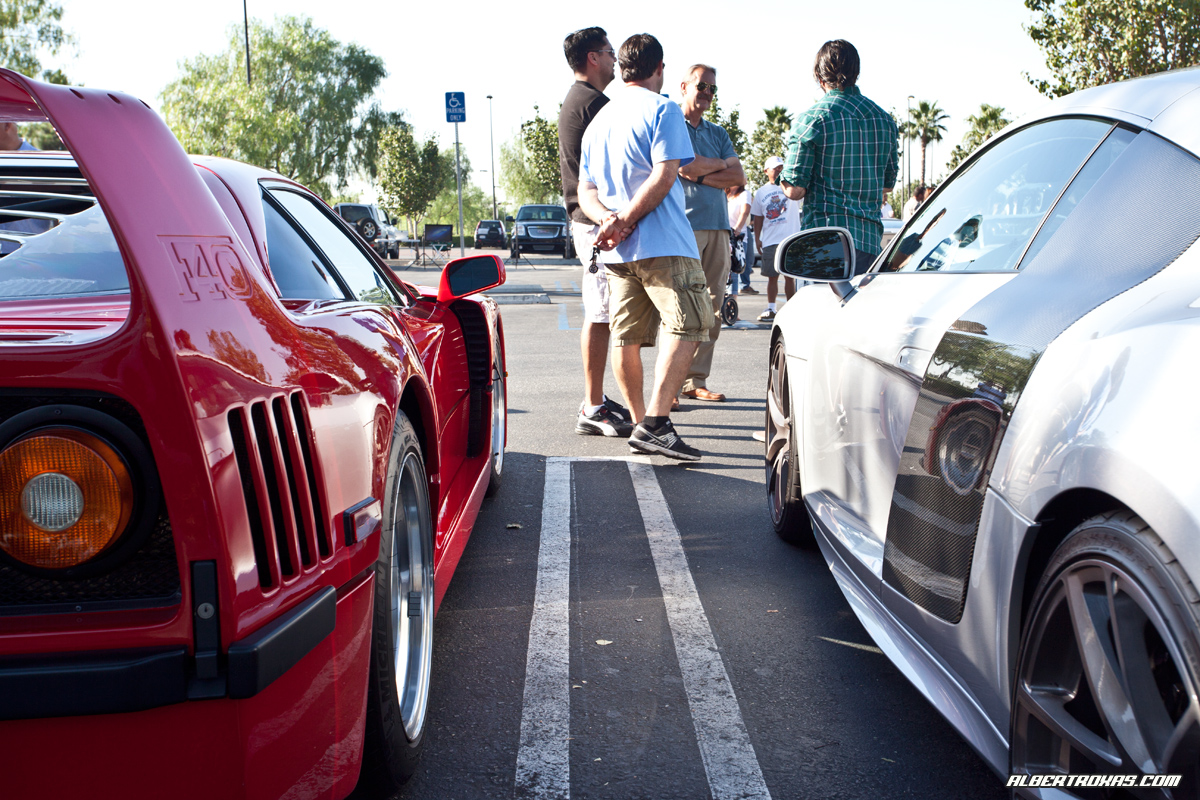
Random Stradale Shot…

IMG_5294_rev

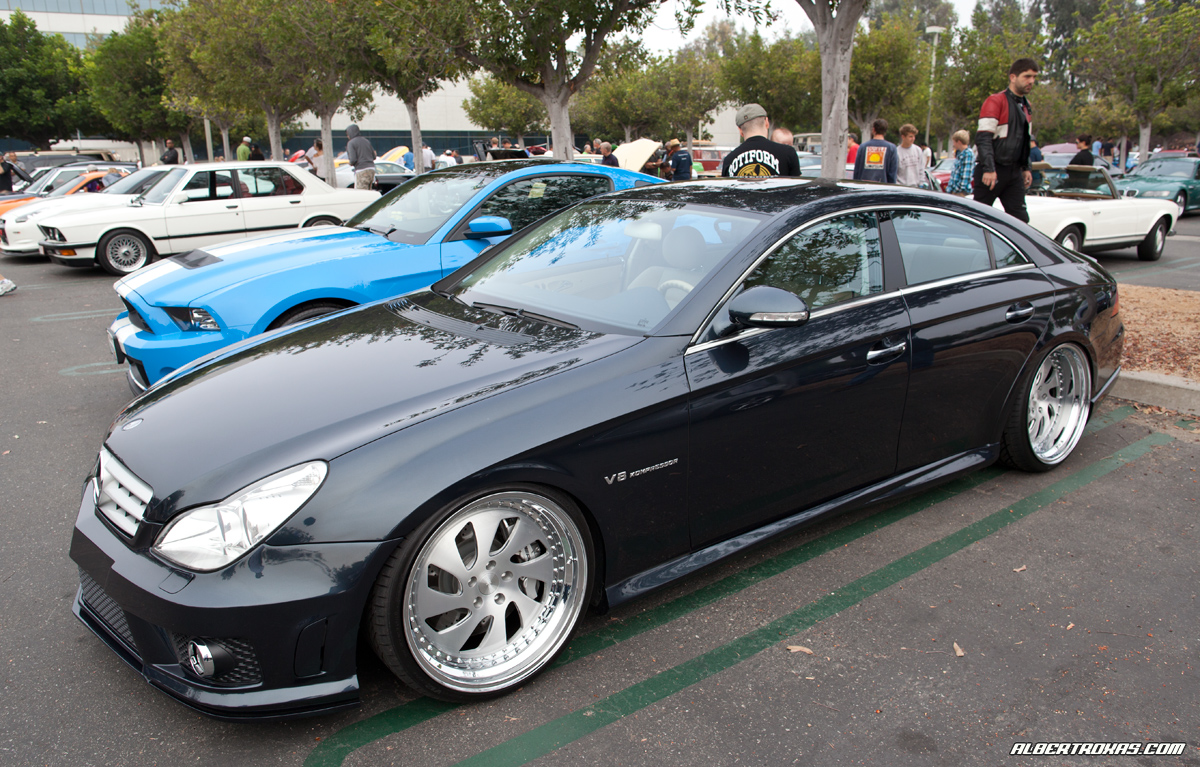
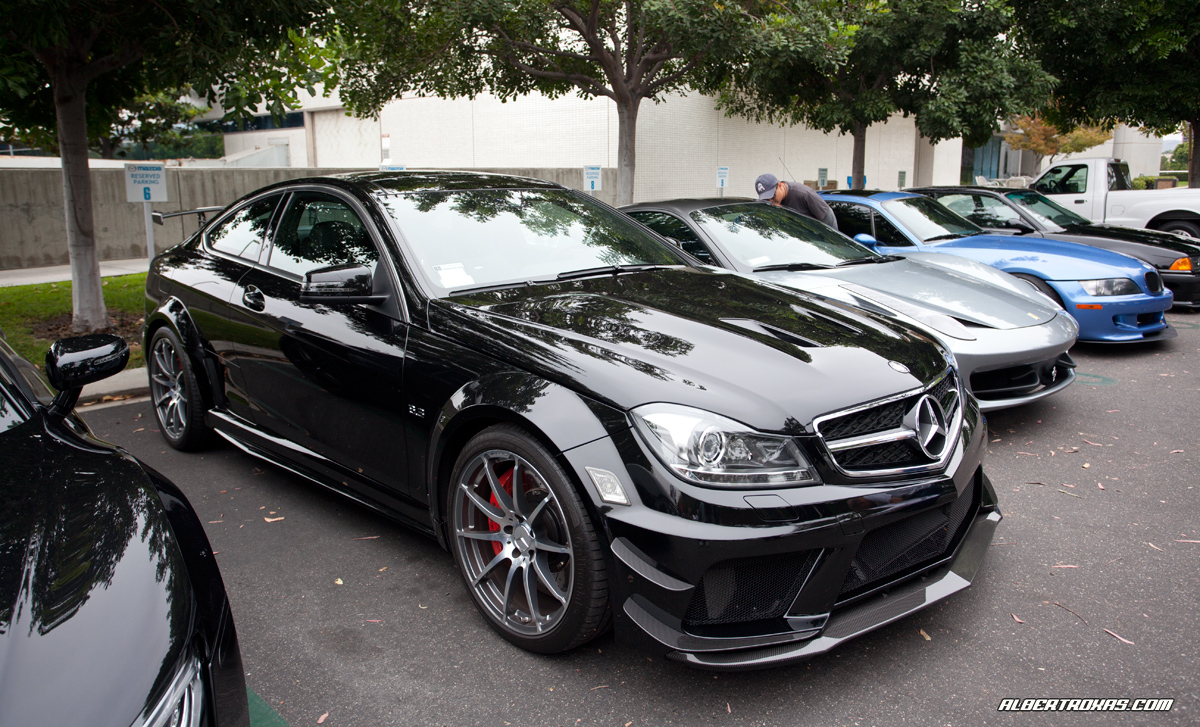
Another random CLKBS shot, thought the yellow coming off the other car looked sweet.

IMG_5303_rev

Caught this Seal Grey CGT bailing out of the parking structure – reminded me of an old friend Ben, we miss you man.

IMG_5310_rev

458= Space Mountain.

Went to the local Ferrari dealer to checkout the 458 today. First time I’ve seen it in person as Ferrari didn’t show at LA Autoshow Media Day and historically, cars look better in person so I was anxiously awaiting to see this car in person. I gotta say I was seriously disappointed. Even my buddy Tony who was with me (who is a real “Tifosi”) felt that the 458 was “fail”. Some parts just felt…well…CHEAP. The sideskirt (unpainted) looked gimicky, not to mention the front end “flaps” that work for aerodynamics. The prancing horse emblem on the front sticks out of a single “stem” and looks CRAZY out of place. The interior was straight out of Space Mountain – I understand the whole driver oriented cockpit deal, but sitting on both the drivers and passengers side, I found it to all be just a little too odd. The center console is what really reminded me of Space Mountain, just too futuristic for my tastes. I’m not hating, in fact – maybe its a design that we’ll all grow into…all pics courtesy of my buddy Tony, Mr. Tifosi himself…who didn’t particularly like the car either.

This is a nice angle, a little reminiscent of the 360 in the rear 3/4.

458_s

Rear shot, the 2 light deal and the cutouts are a bit odd (although very aero functional) – a lot of controversy surrounds the use of the 3 tips, but for those that really know Ferrari’s, they’ll remember that the F40 had 3 tips as well..

458_r

Front head on – the silver diffusors in the bumper move up and down (not mechanically) and that silver prancing horse sticks out on a stick (literally) which is a bit odd. Lots of cutouts for aero, the front looks MEAN.

458_f

Drivers Side – cockpit, all oriented towards the driver. The steering wheel had WAY too many buttons, notice no stalks for the turn signal and wipers – they’re all on the steering wheel.

458_c

Just reminds me of waiting in line forever…SPACE MOUNTAIN! I dunno why, but the 3 button deal and overall shape of the center console just brings me back to Disneyland lol.

458_sm

BUSTED…me checking out the 458 LOL.

458

You’ve got the touch!!!

You’ve got the POWER!! LOL.

Anyone who’s into cars knows that Japanese car manufacturers OWN the market for great navigation. They were the first to introduce it, first to offer touch screen and simply the best function wise. Counter that with the European offerings for Navi…well, lemme just say – they’ve been pretty bad. Porsche’s original PCM was particularly archaic considering in 2006 our Cayenne had PCM (Porsche Communication Management) and didn’t even offer a touch screen, but rather utilized 2 scroll buttons (UGH). It would take minutes to just input a location, scroll then push, scroll then push – letter by letter, HORRIBLE. Turn by turn directions were decent, but input and selection was such a chore due to the scrolling necessary for each selection that we’d often not even use it.

Porsche’s new PCM 3.0 (Touch Screen) is WORLDS better than the old PCM. Seriously. Much more intuitive function-wise, not to mention that the touch capability KILLS the old 2 button scroll deal. Address input is substantially faster, simpler and the format makes much more sense.

Did I mention it reads MP3’s exceptionally well? The old version of PCM touted “WMA” functionality but it was hit and miss. PCM 3.o luvs MP3’s. Wife’s music not mine, BTW LOL. Reads MP3’s like a champ – including title, track, etc. Note the new SD card slot option,  a good alternative to burning CD’s. Simply scroll or touch the screen with your finger and you’re to your particular track. On the old PCM, you’d have to know the # and punch it in manually.

pcm1

This is pretty sick as well, up to minute traffic! Not even offered on the old PCM, again – another nice addition, esp. when you’re in a hurry to get to your destination.

pcm2

Satellite Radio…nice when you don’t want to listen to commercials, some good channels as well.

pcm3

Has bluetooth as well obviously – I can’t say enough of how much better this version of PCM is. Intuitively works like a “JDM” NAV, super easy to use 0- which is what you need when you’re driving! Hopefully other European manufacturers have followed suit and integrated touch into their setups as well, works so much better than any type of scrolling (iDrive) technology…

FINALLY.

Buddy came thru with a 70-200 Canon THERMOS!! Been wanting this since they gave them away to Photogs at the Winter Olympics. Thanks Krist! Camera is apart to get the sensor cleaned and actuation count tomorrow…
IMG_2224_rev

Cars & Coffee / GMG Open House

A few pics from C&C today and GMG’s open house last week…

Clean Black Ferrari California – still doesn’t seem like a Ferrari to me, maybe fits the “Mercedes SL” crowd that wants to say they own a Ferrari.

IMG_5217_rev

Nice black F430 on HRE’s – of particular note, the Challenge Rear grill, looks sooo good. Much sportier than the OE rear IMO.

IMG_5203_rev

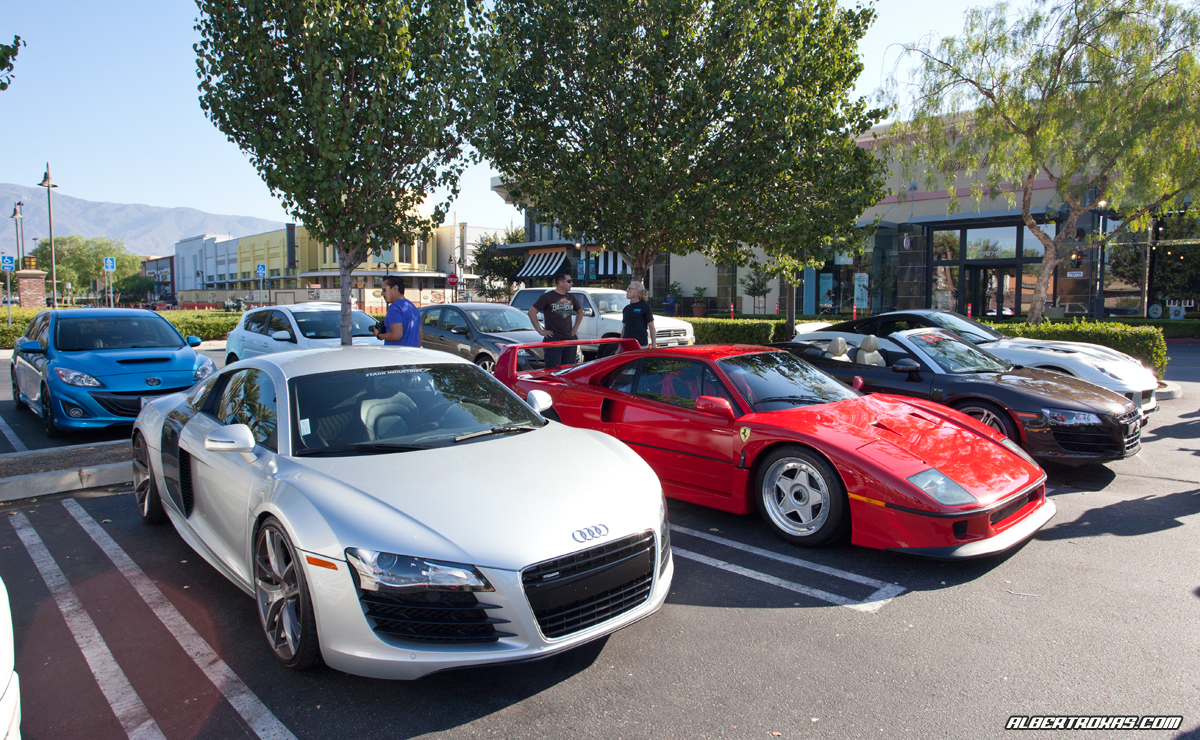
Heffner Audi R8 Twin Turbo – SICKNESS.

IMG_5223_rev

An unsuspecting Will, showing off my TMZ skills to the guys – reverse, one handed, flipped wrist no-look shot. haha

IMG_5213_rev

GMG Open House – sick 16m, gorgeous color.

IMG_5035_rev

Novitec Supercharged 430, Black for a year straight ala Jay Z.

IMG_5038_rev

Another of the Novitec SC’d -F430 – I might bring back Versace shades…

IMG_5044-rev

Had to include this one – would’ve been a nice shot, too much Photoshop to move that fat dude out of the way – COME ON MAN!

IMG_5046_rev

The wait is over…

NOTE: This is being typed on my iPad 3G, via the wordpress iPad app.

If you want the iPad, I’ll save you some reading time – go get one. If you’re on the fence or have some questions/concerns or actually read my blog – read on…

Believe it or not, I was not initially going to pre-order the iPad at all. I had seen the keynote and had convinced myself that I’d wait till the wifi was released, play with it hands-on and make a decision from there…I’m usually a big proponent of Apple products and although this seemed “magical and revolutionary”, for once I was playing it level headed and was determined to try it first and then decide to buy…

That sensible patience changed (FAST) on pre-order day.

My brother (which is probably where I get most of my toy and car traits) hits me up at 6AM.
“Dude, you gonna pre-order?”
“Eh, I dunno…I’m on the fence”

“You don’t want to miss out, you can always pre-order then cancel if you get cold feet”
“GAH!! I’ll call you back”

5 minutes later, I had my order in for a 32GB 3G Version.

So $840 something dollars later (also ordered the OEM Carry Case) I sat there thinking…what the heck am I going to do with this thing? I’m a POWER Macbook Pro user. I check email, photoshop, surf the web, tweet deck, Facebook, FTP, build websites, handle post production for my images etc…this is a giant iPhone and I already have an iPhone!

As the days went on I tried to justify it.
I’ll just sell my trusty Macbook Pro and use this instead. It’s more portable, has better battery life – I’m tech savvy, I’ll find a way to do everything I need on it. I’ll actually SAVE money by getting this and selling my Macbook Pro (those that know me know I’m so notorious for justifying things this way) Hell, my process of thinking goes in that if you’re tires are worn, you might as well buy rims. If you have maintenance, registration due at the same time, you may want to see what other car options you have…thus is the reasoning of Albert Roxas. (Why fix when you can upgrade? LOL)

As the wifi’s started to hit the public and I did more research, I realized I might not be able to do “everything” I need my Macbook Pro for. People were comparing the iPad to a Netbook – something only good for basic word processing and surfing in a small form factor. Reviews said “$499 for a netbook? no way!”. Was it really just a giant iPhone? I guess I’ll find out when I get it.

Expected ship date was “late April”, gotta love Apple for being so specific. Everyone had been anticipating this release as much as the original wifi release – especially me, seeing as how I worked from home that day to ensure I didn’t miss the FedEx guy. The FedEx (Girl) came to the door and mentioned she had delivered 27 already (this was at 1PM) and she was shocked how many people were available to sign LOL. Apparently I wasn’t the only giddy one waiting for my new toy.

First things first – I had to skin the front. Because it’s a touchscreen (and I’m a bit of a germa-phobe) I needed some type of protection for the front. I went with the usual clear bra (front only) installed by Fusion of Ideas at the Irvine Spectrum. They skinned all my previous iPhones (front and back) and although they are pricey, they do good work and stand behind their product. $45 to cover the front screen only with installation, talk about making a killing.

NOTE: Fusion of Ideas is right across from the Apple store. When I arrived to get my iPad 3G (about 4PM on launch day) the line for the Apple store was easily 120 people deep.
Once skinned, I went home and plugged it into my macbook pro to start the setup.

Concern #1 - what if this is your only device for computing? What if you don’t own a PC / Mac, how do you get this thing going? I’m willing to bet the Apple Store would allow you to connect up after purchase to setup an iTunes account and get the thing going, but it’s a legitimate concern for “first time buyers” that have no other computing device.

The iPad syncs to iTunes just like an iPhone. iTunes recognizes it, it takes a minute or so for “activation” and you’re golden. During the sync it asks if you want to sync your songs, photos, iPhone apps, etc – I selected my iTunes library and thats it. Sync was quick and painless, with no issues.

ip_ma

If you’ve used an iPhone, you’ll be very very familiar with the UI (user interface) of the iPad / they share the same OS. Slide to unlock and you’re in. I immediately set a passcode (for those of you who don’t have this setup on your iPhone, seriously consider it) and took a look around.

Very basic homepage apps – Calendar, Contacts, Notes, Maps, Videos, YouTube, iTunes, App Store and Settings. On the homepage dock are Safari, Mail, Photos and iPod. This pales in comparison to the clutter of my iPhone screen (smaller real estate understandably) and the iPad felt a little empty at first glance.

The new Calendar is slick. Very “dayrunner” style (only digital) and is much easier on the eyes than iCal. The only other subtle change is in mail, where there is a nice preview pane and the visual look of deleting emails is more slick (it piles multiple emails like paper prior to deletion).

Let’s get into the good stuff – browsing the web.
Safari ALMOST functions as a full browser. I say ALMOST because I still ran into a few sites that detected the browser as “mobile” and forced me to a crippled version of the site (granted most of these sites were a bit obscure). On the other hand, larger sites such as ESPN have an iPad ready site which changes the Flash videos to HTML5 – better yet, some sites such as eBay have an app that is better than the browser version itself! This is where I believe the iPad really shines, it sincerely makes sites look amazing. The glossy screen really makes colors pop – the ease of flicking a finger to scroll, etc, are what make this device somewhat “magical”. Sites load nice and fast (even on 3G) and although I did find some missing functionality here and there, none of it was a dealbreaker. Some little things (like being able to read source) might bother some of you power users, but guess what…there’s an app for that LOL. The browsing experience alone will sell a bundle of these things.

Virtual Keyboard
This is a lot easier to use than people think. I probably had at least 6 people try it out over the weekend and each one of them was surprised at how easy it was to type on. A trick that I found was that if you keep your palms from resting on the table, you tend to be a bit more accurate and faster on the Virtual Keyboard. There is no tactile feel obviously so you do need to glance every so often to ensure your fingers haven’t drifted, but I find for average use, the virtual keyboard is definitely usable. When I say average use I mean, emails, blogs, IM’ing etc…I don’t know if i’d want to write an entire paper on one, but it’s definitely do-able. For those that want some extra real estate to surf (the keyboard takes up a little less than half the screen) you can utilize a bluetooth keyboard for lengthy typing.

Quick pic of my Apple BT keyboard in use w/my iPad.

Touchscreen
This is what the iPad is all about. The ability to touch, tap, scroll, swipe your way thru the entire interface. It’s crazy intuitive. Even for me, sweaty palms and all – the interface works like a champ. A major pet peeve is definitely the fingerprint marks across the entire screen, especially after a day of everyone wanting to mess with it. Nothing that a good microfiber towel can’t fix, but can get annoying for those of us obsessive compulsive types. Apple surprisingly didn’t include one of these in the packaging, so simple, cheap and usable – they normally include these with their products, but for some reason it’s missing from the iPad.

Along with the fingerprints, the glare from overhead lighting is a bit distracting at times. The OEM case puts a nice angle on the iPad to limit this, but for those without it I could really see this as being an issue.

Sound
One of the biggest gripes about the iPhone is that the speakerphone is not loud enough. I had my concerns with the iPad as well, but the speaker is much better and handles sound very well. Another thing missing from the packaging is headphones! It has a headphone jack and yes, I have my headphones from my iPhone, but it’d be nice to get a second set of buds with something this pricey.

Battery Life
Marketed at 9 hours for the 3G (10 hours for the wifi only) – I’d have to say it’s pretty damn close. I used it from 2PM Friday afternoon, all the way until Saturday at 10PM (heavy use showing people videos, browsing etc) before i had to recharge it. That included finding hotspots at restaurants, forgetting to click the “sleep” button while in use and such, so I’m sure I could stretch some extra power out of it if need be. Another thing it should have came with that I purchased is a USB extender, the OE cable is a bit short for me, especially if you plan to use it while plugged in. A $3 cable that would make life much easier if included IMO.
NOTE: It takes a good 3 hours to charge from 0%. I asked the apple geniuses about this and there is no way to get this to charge quicker.

3G connectivity
Very easy to setup- a no-brainer to pickup this option ($130 add) IMO. I actually enabled mine in a parking lot of a Japanese restaurant in 4 minutes. Speed on the 3G seemed faster than on my Iphone although I don’t have the bandwidth reports to back it up. I’m guessing processing power may have a little to do with this as well. Don’t forget to cancel you’re contract at the end of the month otherwise it will continue to roll. A calendar reminder does the trick for me.

File sharing/uploading/saving
One of the biggest gripes that i hear about, although ironically – there a bunch of apps available for sharing/storing. In fact, with the camera connection kit and a simple jailbreak, the iPad will happily accept an external hard drive or memory card.

When it comes down to it, the iPad is a spectacular secondary device. It shouldn’t be your only – but for travel, strictly for portability and battery life alone, the iPad kills all. It’s worlds better than any netbook, pricier for sure – but you get what you pay for. I personally use a 27″ iMac at home, a 15″ Macbook Pro for travel and now, my 32GB iPad 3G. My Macbook Pro will hit Craigslist shortly as I haven’t used it since my iPad arrived :)

If you have particulars that I didn’t write about, shoot me an email – would be happy to give you some feedback.

I fly like paper…

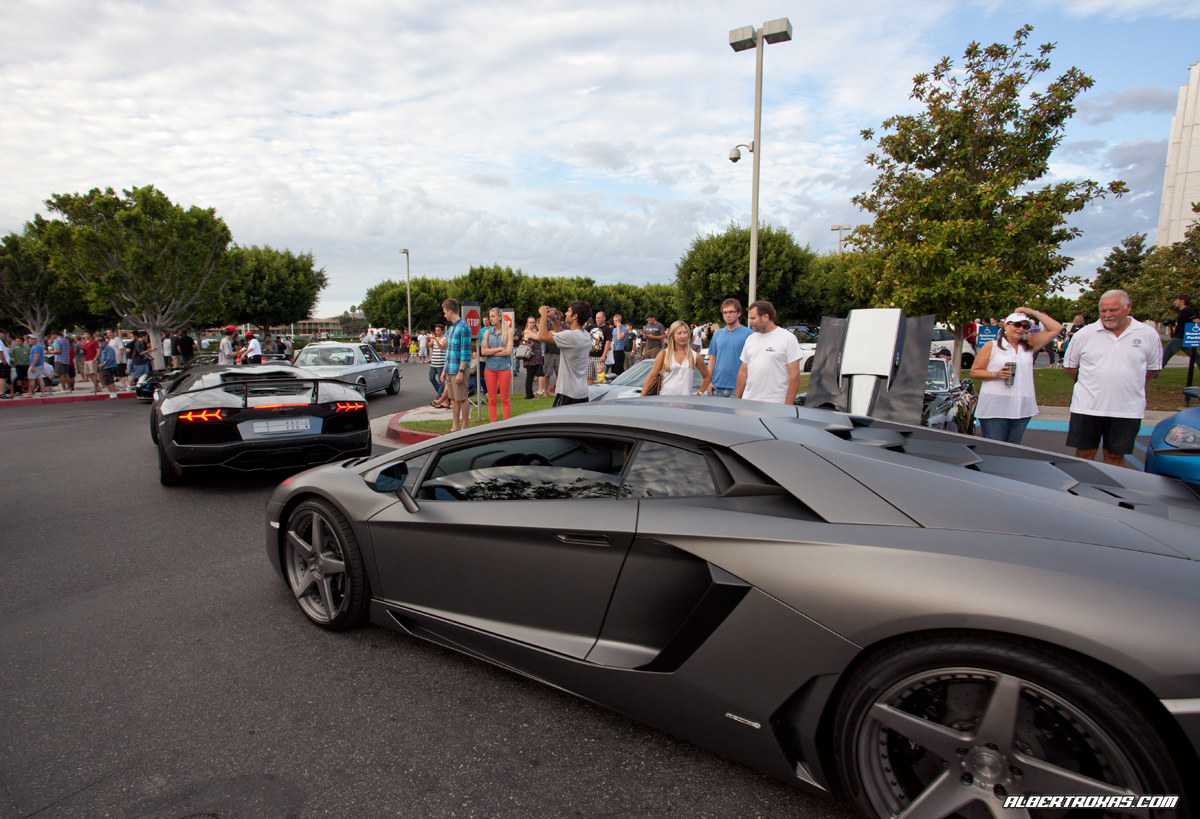
been M.I.A. lately – esp. on the blog, my apologies…some great stuff in the works though, I promise. In the meantime, here’s a quick post from C&C this past Sat.

Ran into RJ and his new 7series – full Vorsteiner. Sick with it, another great build but did you expect anything less from the man?

IMG_4995

Jeffrey (SLR) and Gary (CLKBS) brought out their rides, yes Jeffrey – haven’t forgot about your pics man. Good seeing you.

IMG_4978

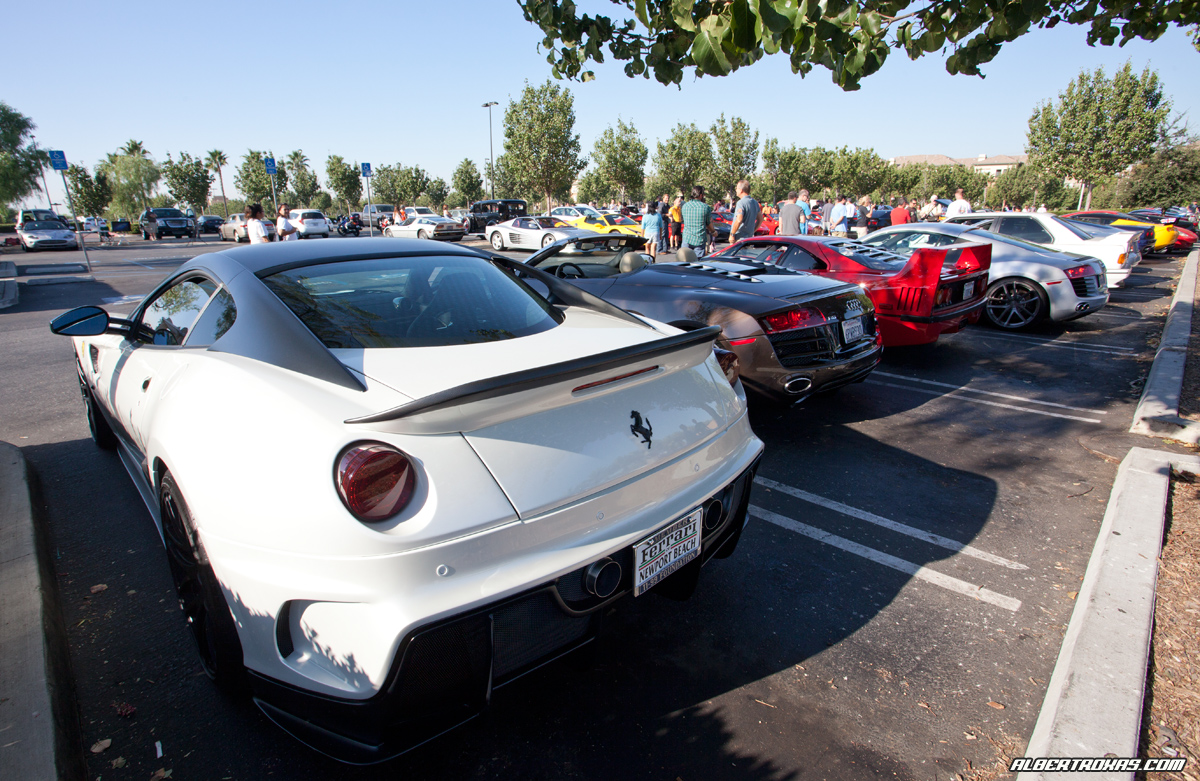
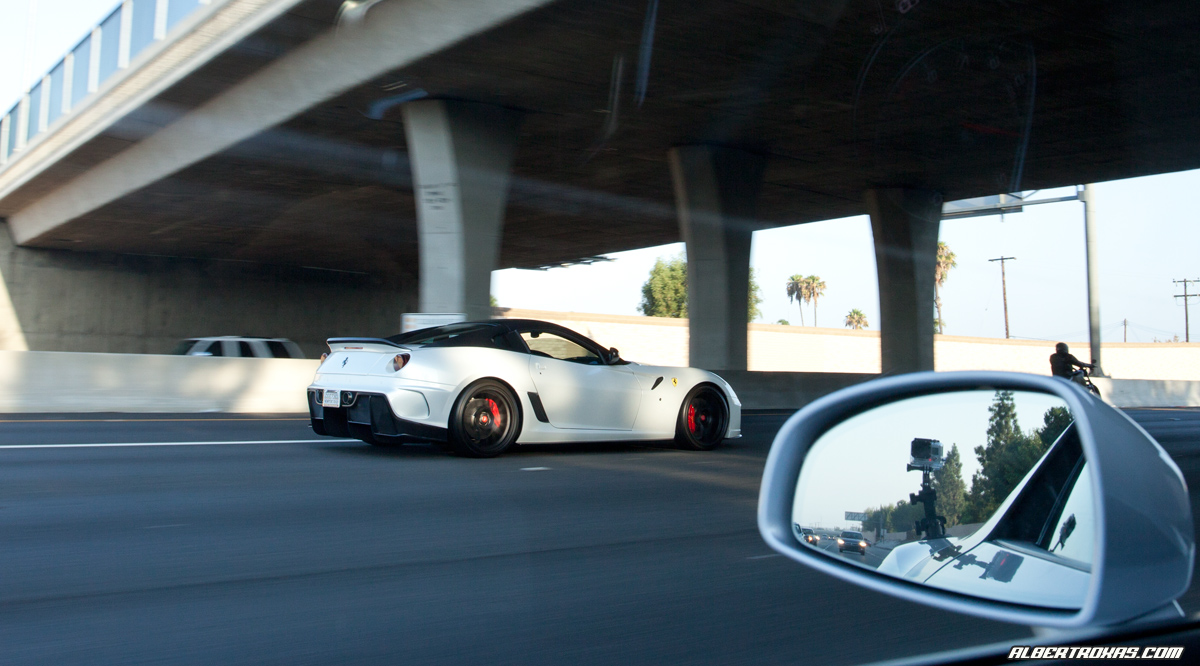
Caught Chris (LPower) on the way out  rolling in a 599??!?!

IMG_5009

Will post some pics from GMG Open House and Pasadena Concorso this week – busy “Car” weekend!

Long Beach Grand Prix | American Le Mans Series | VIP Patron Trackside Tent

A few pics from this past weekend – hit the LBGP with a bunch of friends on Fri/Sat and had VIP access thanks to my bro. Great event, great time – the only way to watch motorsports :)

Patron LMP Car – so sick.

IMG_4743

IMG_4744

Ferrari Challenge GT Car, Falken Porsche GT Car

IMG_4761

Rizi Ferrari – waiting for battle.

IMG_4529

Safety car!! I keep thinking of Wendy rockin the Cayenne S around the track LOL!

IMG_4575

GMG Porsche GT car that almost ran over me and Jay.

IMG_4648

IMG_4679

IMG_4796

Team Patron 430 GT Car

IMG_4811

Yes, we were actually this close (even walked thru the Team Transport Trailers!)

IMG_4482

More to come…

No…Thank you.

Some quick background info: Late last year, I had a friend that I felt would fit the HH mold so I approached John about a possible feature.
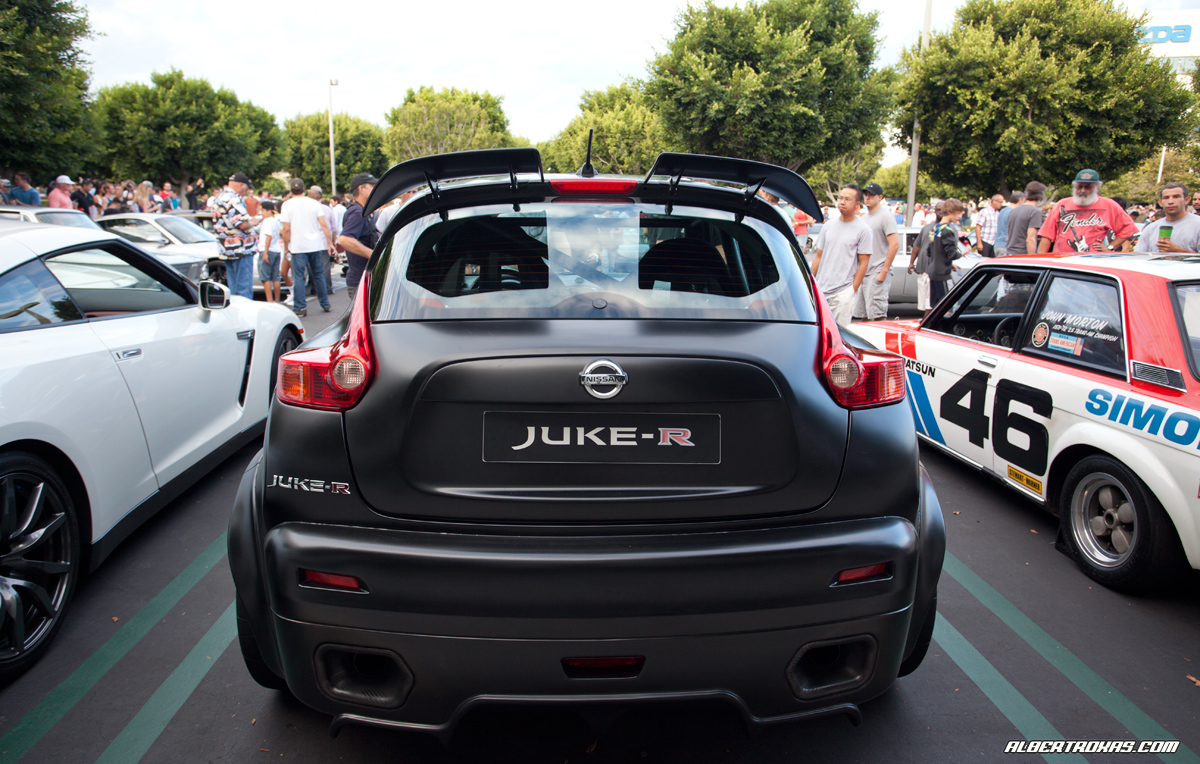
So I’m reading thru the latest issue of Heavy Hitters, a magazine that I actually BUY – Yes, I purchase each issue. Why? Can’t I get it for free? Sure, probably – but I like to support my friends and their businesses, so I go search for it and buy it.  I browsed thru it when I first picked it up and posted about it (2 weeks ago?) but today as I’m going thru the first few pages, I happened to run across the “credits” (which most of us probably blow right by) and saw something interesting…(click to enlarge – purposely magnified)
hh_rev HH_in_rev

Sincerely appreciate the “Special Thanks” homie, but I gotta give thanks back to you. I’ve finally gotten around to shooting again (I rarely, rarely shoot nowadays), writing and I’m glad we’ve had the chance to finally collabo on something. But there’s more to come, so STAY TUNED…thanks John, haven’t had a chance to say that in awhile. :)

599 HGTE – a few more…

Finally got around to finishing these up…

IMG_3877_rev

IMG_3963_rev

IMG_4122_rev

IMG_4161_rev

IMG_4093_rev